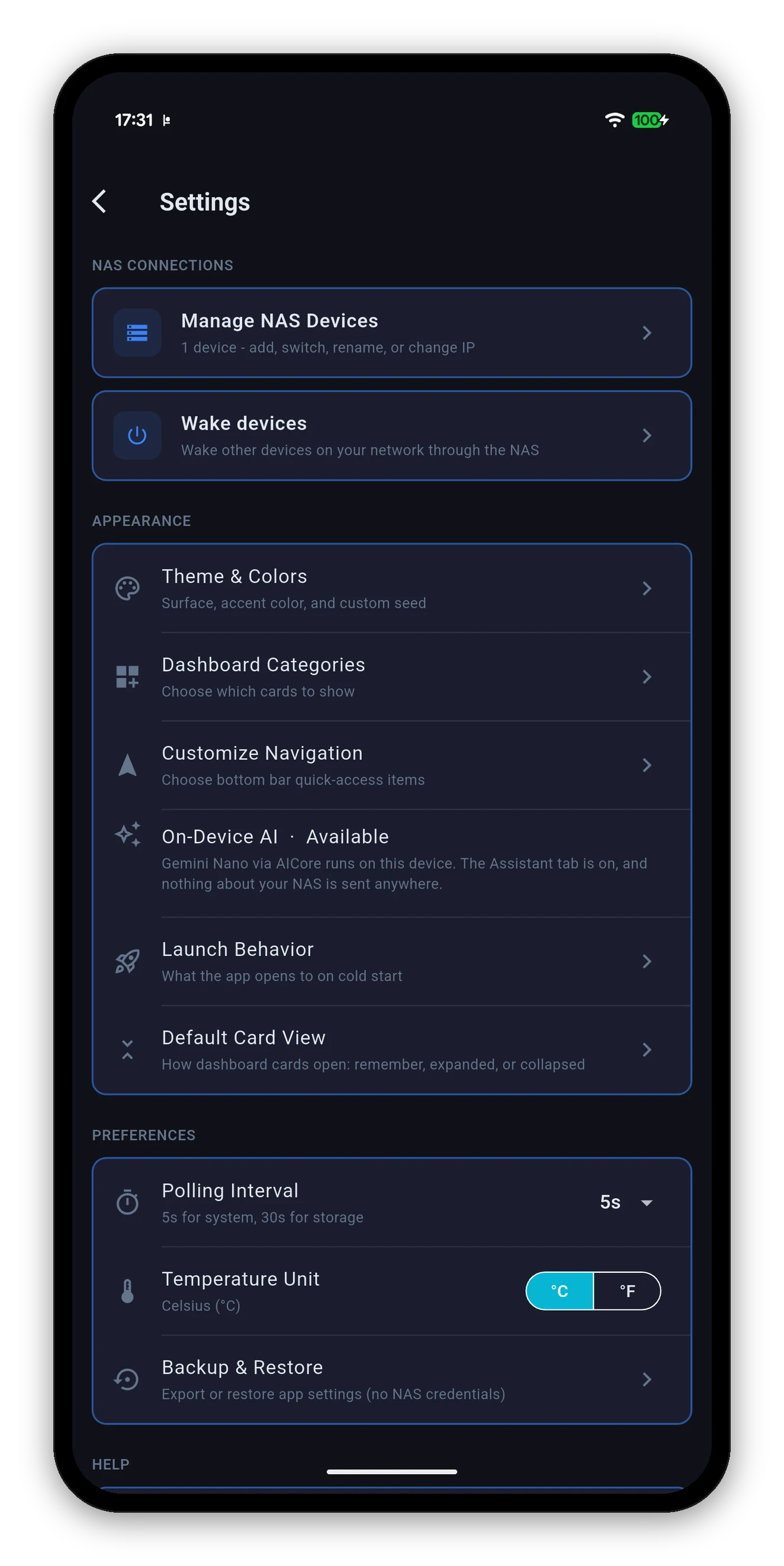
Reachable from the gear on the home screen, or as the last sub-view of the Control Panel tab. Six groups, and every one of them changes something you can see.
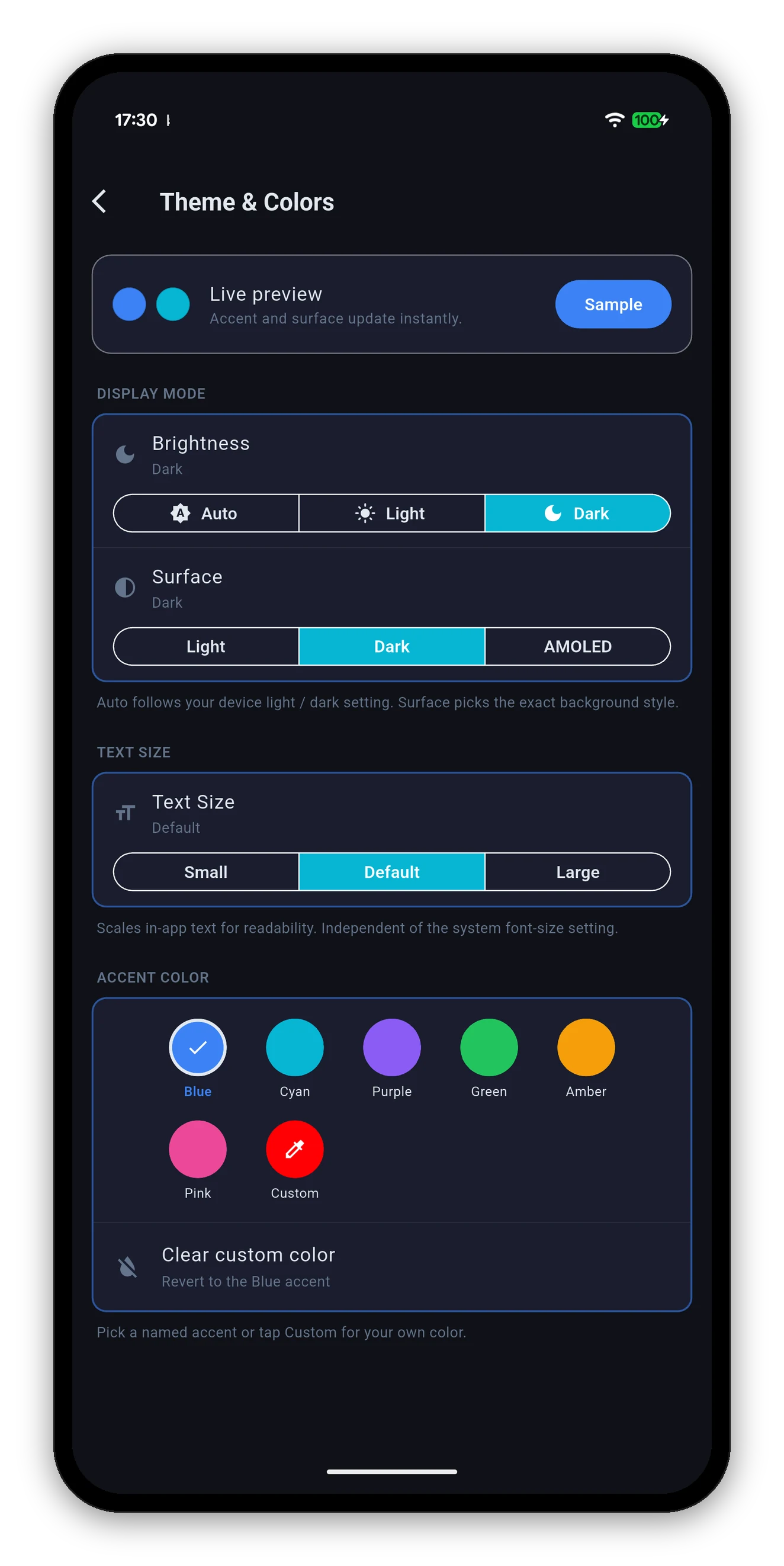
A live preview sits at the top - accent and surface update instantly, and a Sample button shows what a button looks like before you commit.
| Setting | Options | What it does |
|---|---|---|
| Brightness | Auto / Light / Dark | Auto follows your device's own light-dark setting. |
| Surface | Light / Dark / AMOLED | The exact background style. AMOLED is true black, which switches those pixels off entirely on an OLED screen - noticeably easier on the battery, and on your eyes at 2am. |
| Text Size | Small / Default / Large | Scales in-app text. Independent of the system font-size setting, so you can have large text everywhere else and compact text here, or the reverse. |
| Accent Color | Blue, Cyan, Purple, Green, Amber, Pink, Custom | Drives the whole app, not just a seed colour - buttons, highlights, card borders and chrome all follow it. Custom opens a picker for any colour you like. |
| Clear custom color | - | Reverts to the Blue accent. |
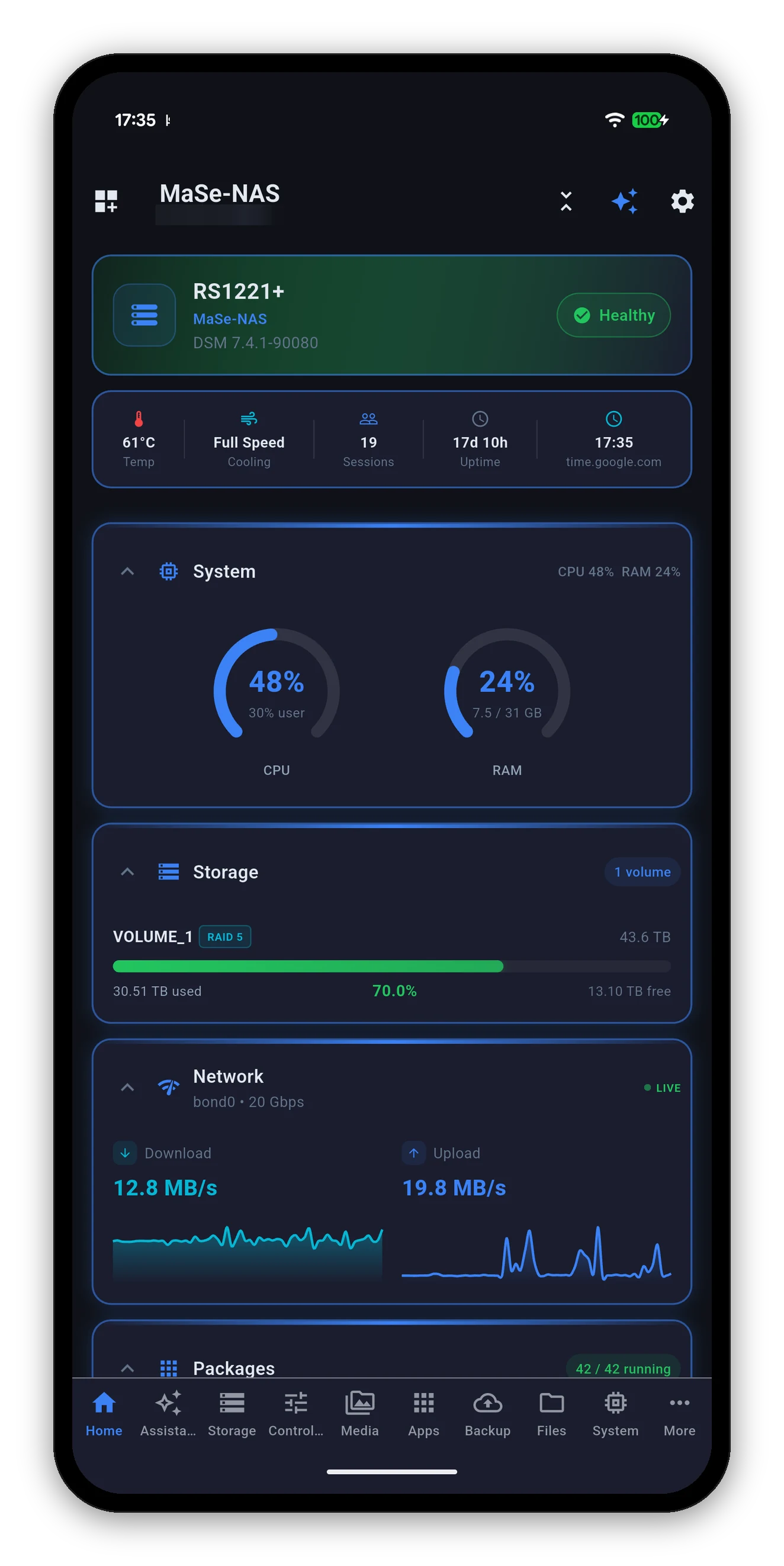
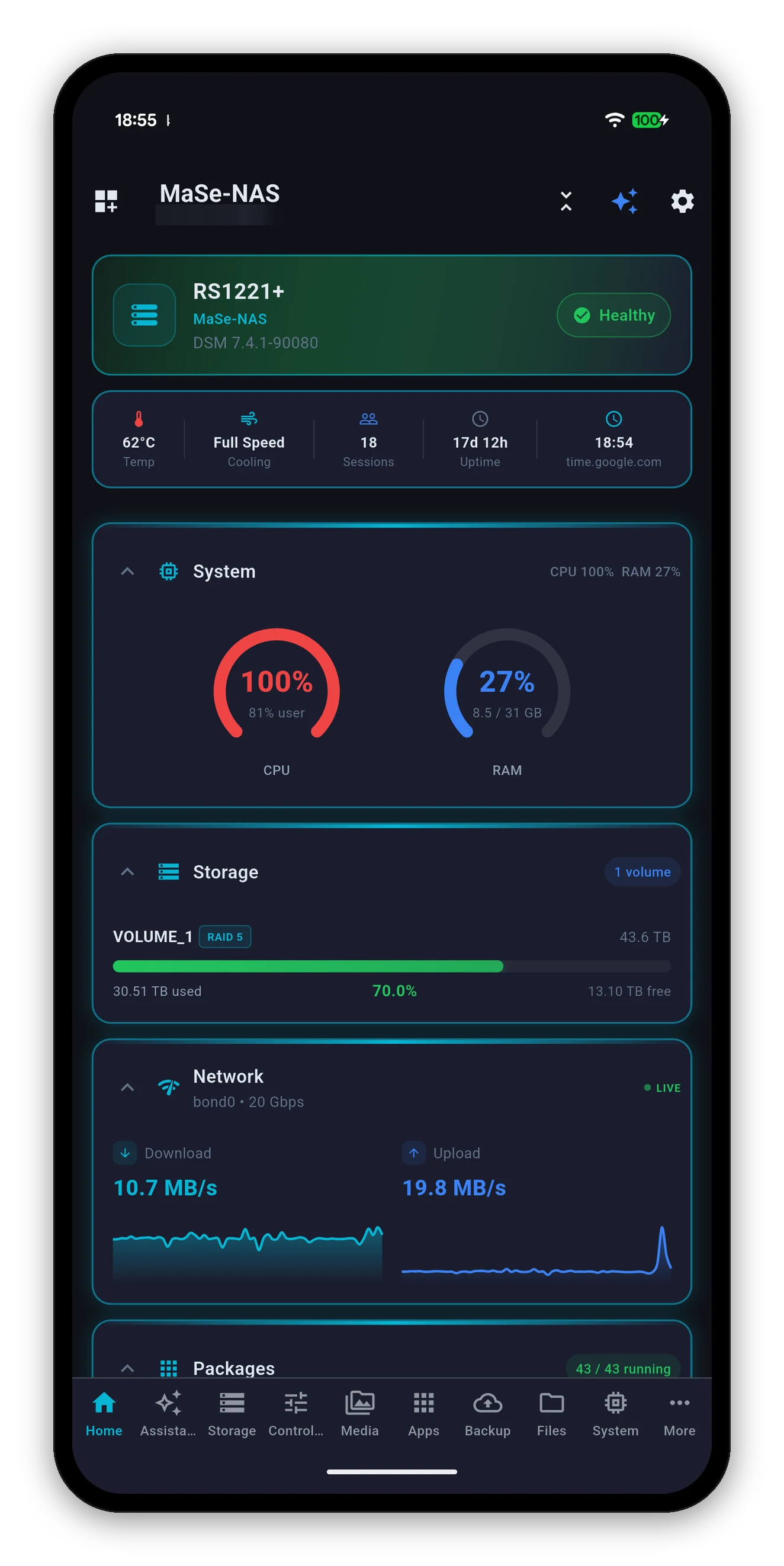
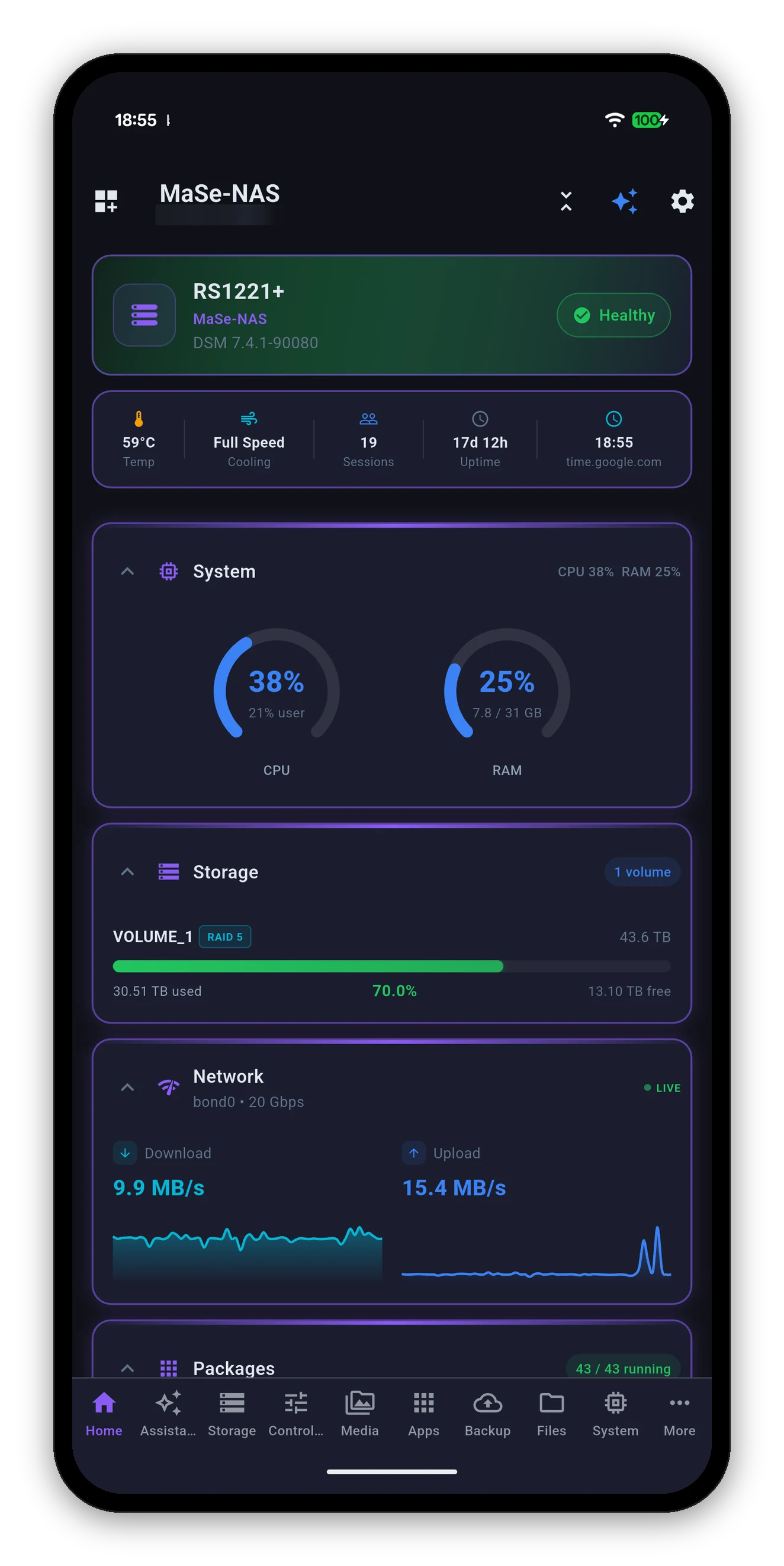
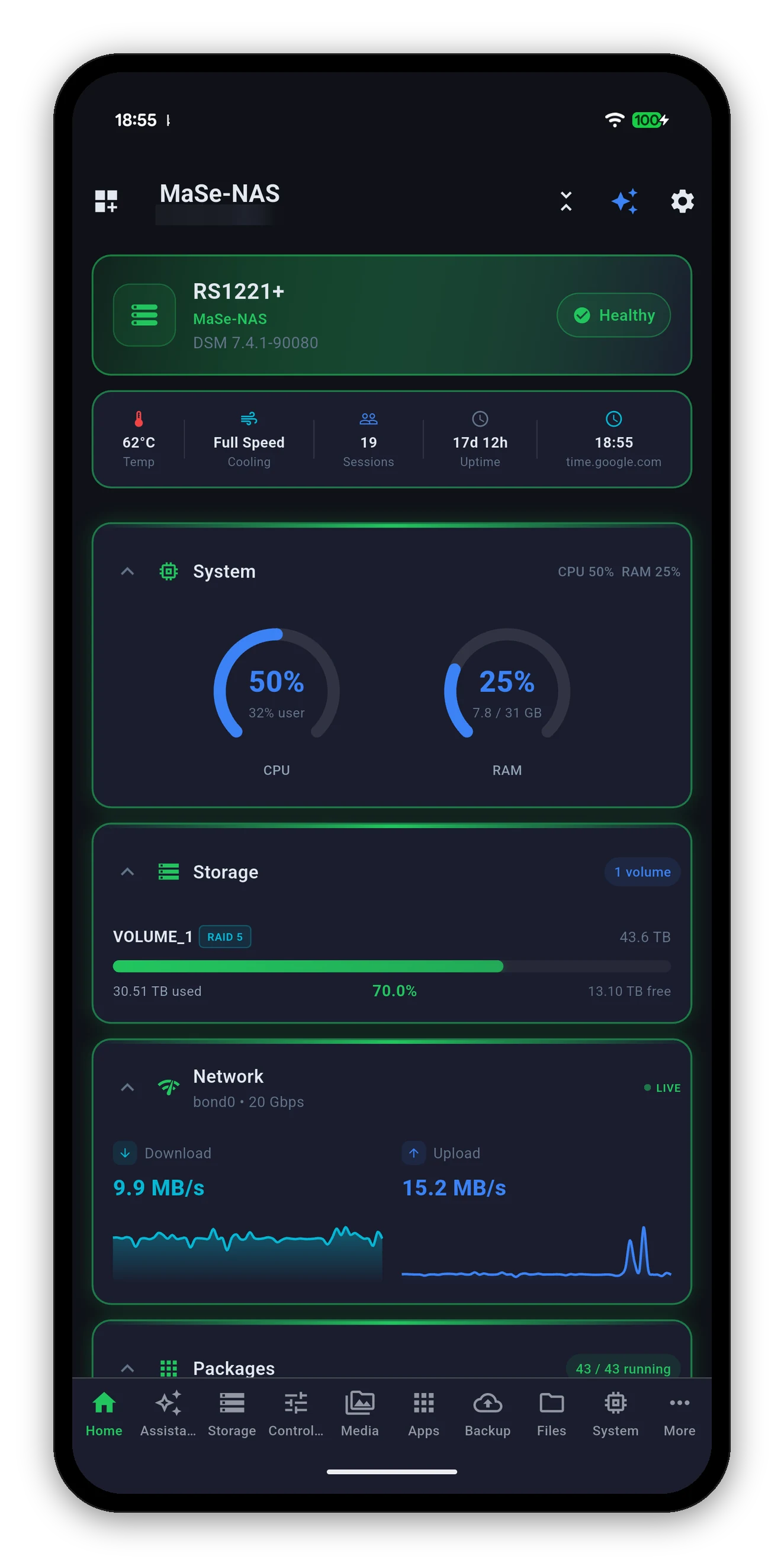
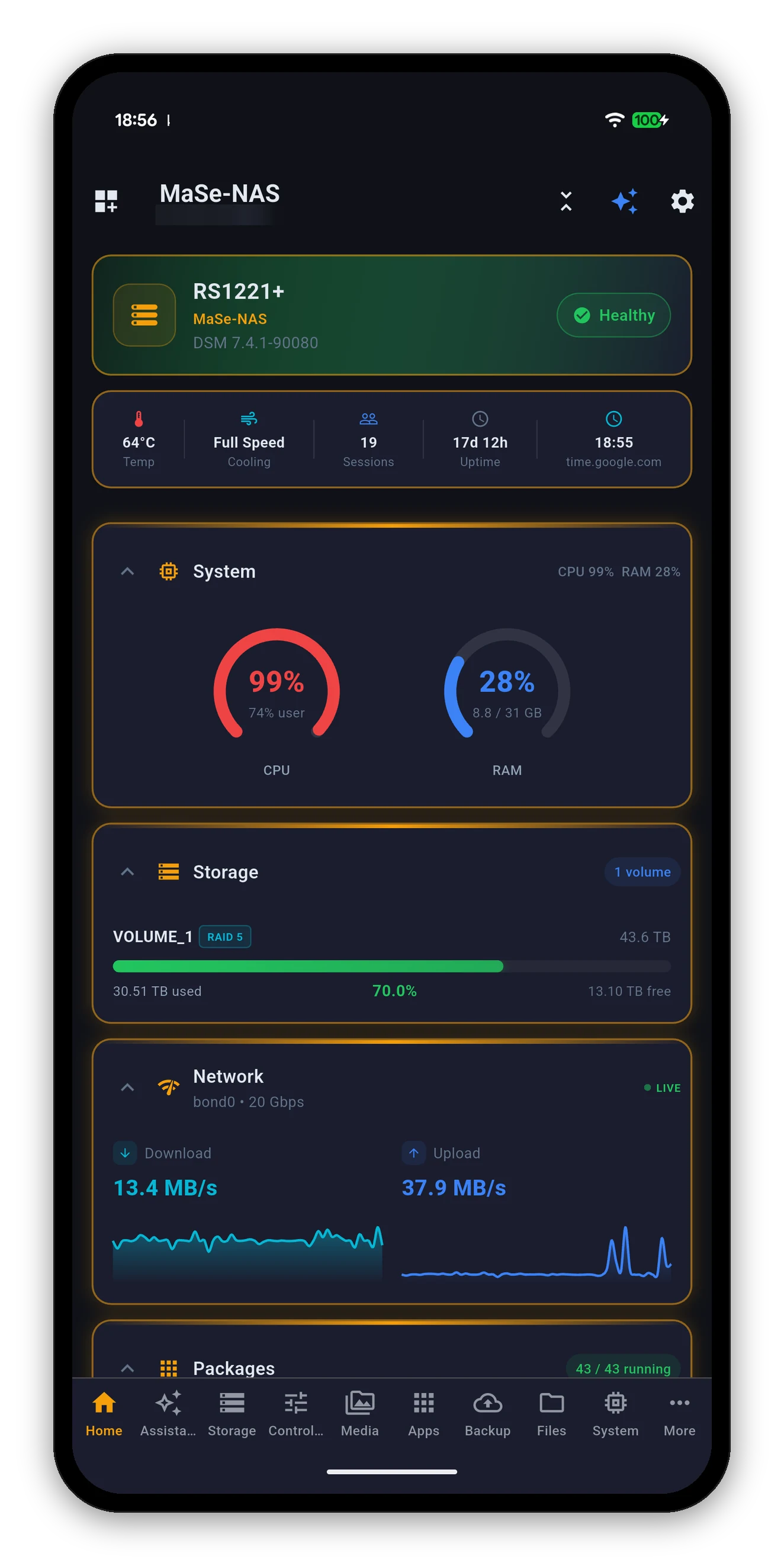
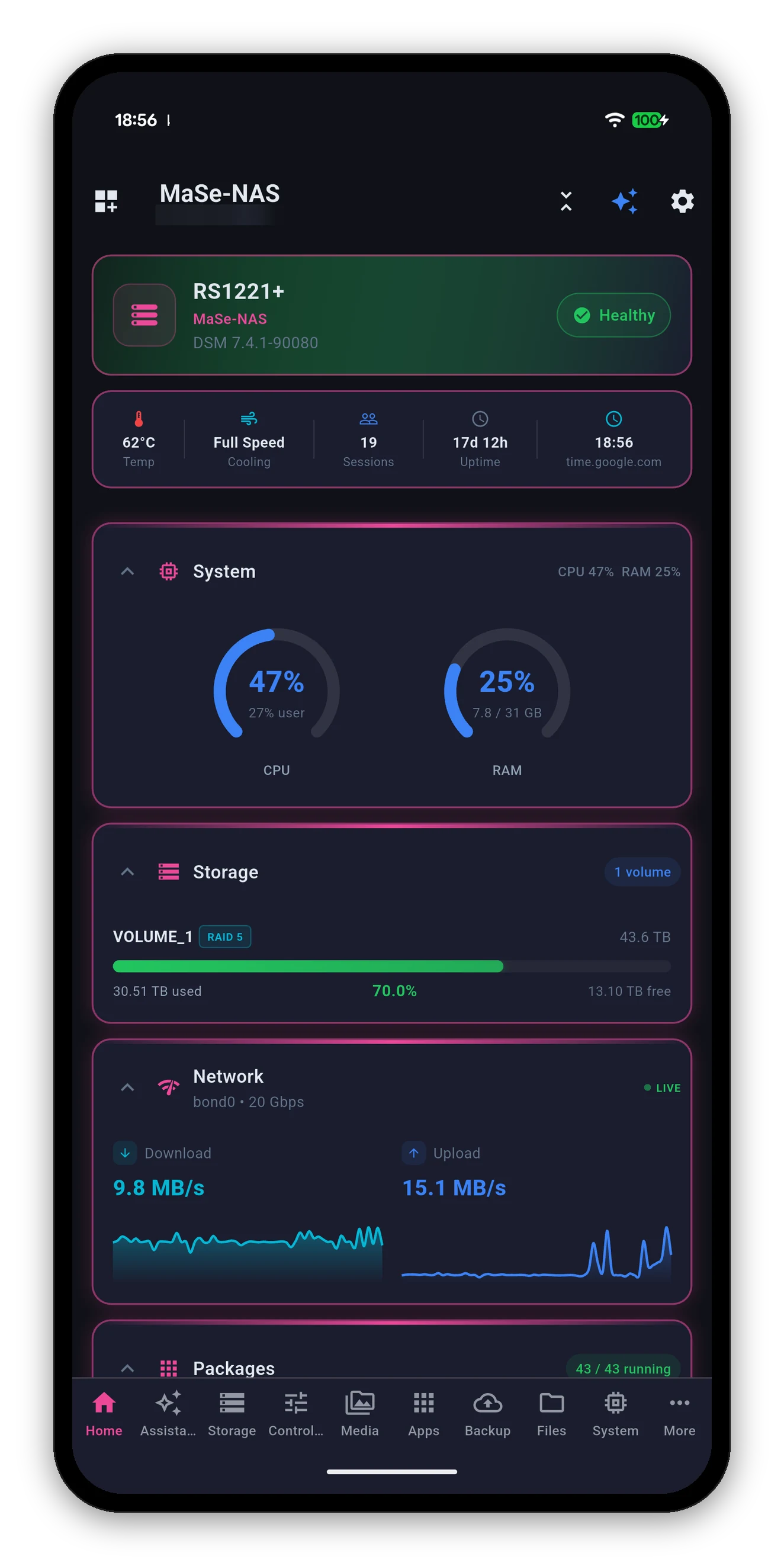
The accent is not a button tint. It drives the card borders, the icons, the section headings, the brand line and the bottom bar - so picking one changes the whole app, not one control. Here is the identical home screen in each named accent.
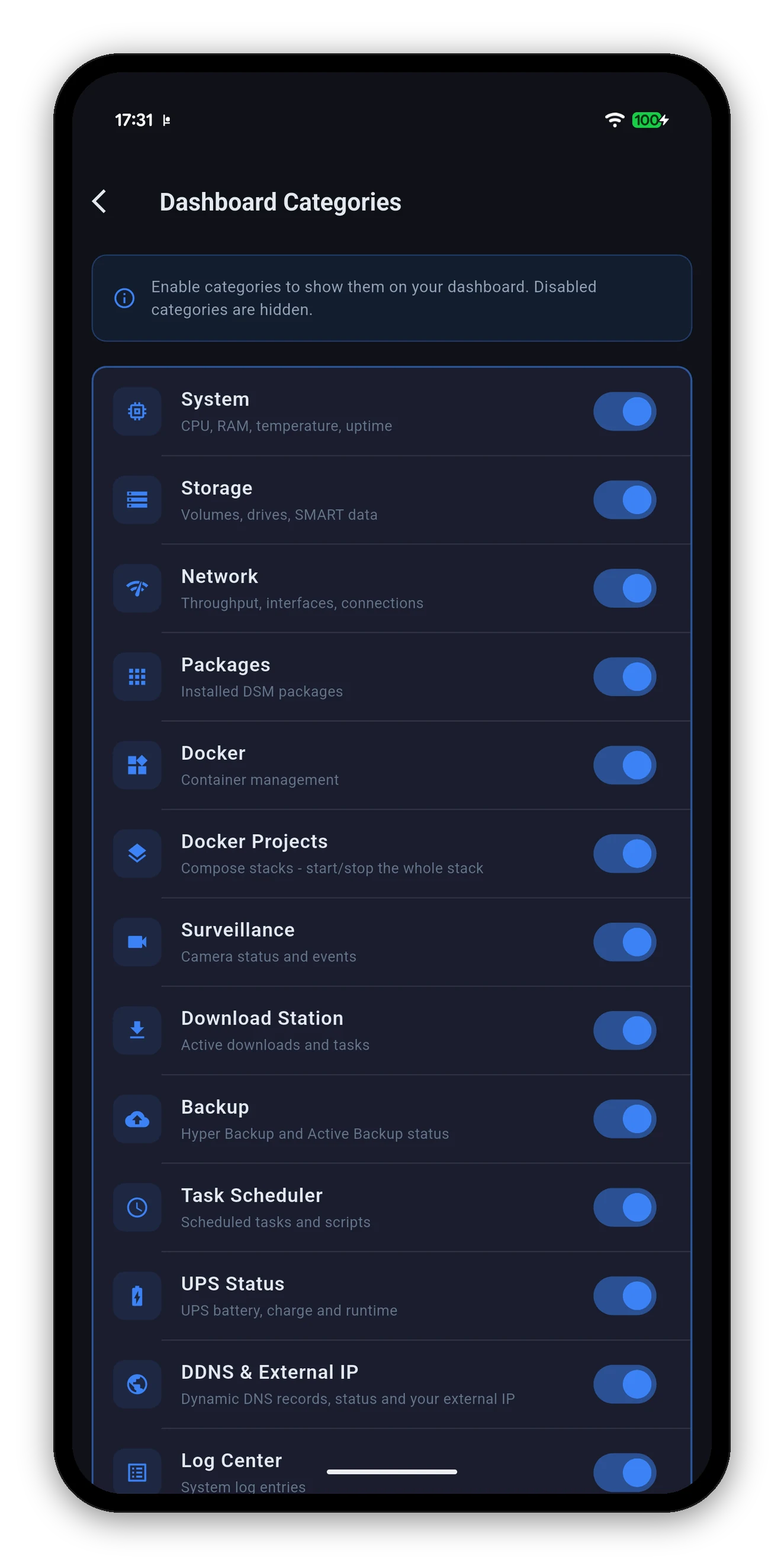
The full list of dashboard cards with a switch each, and a running count of how many are on. It is the same set you get from the home screen's edit mode, laid out as a list when you want to review everything at once rather than scroll the dashboard.
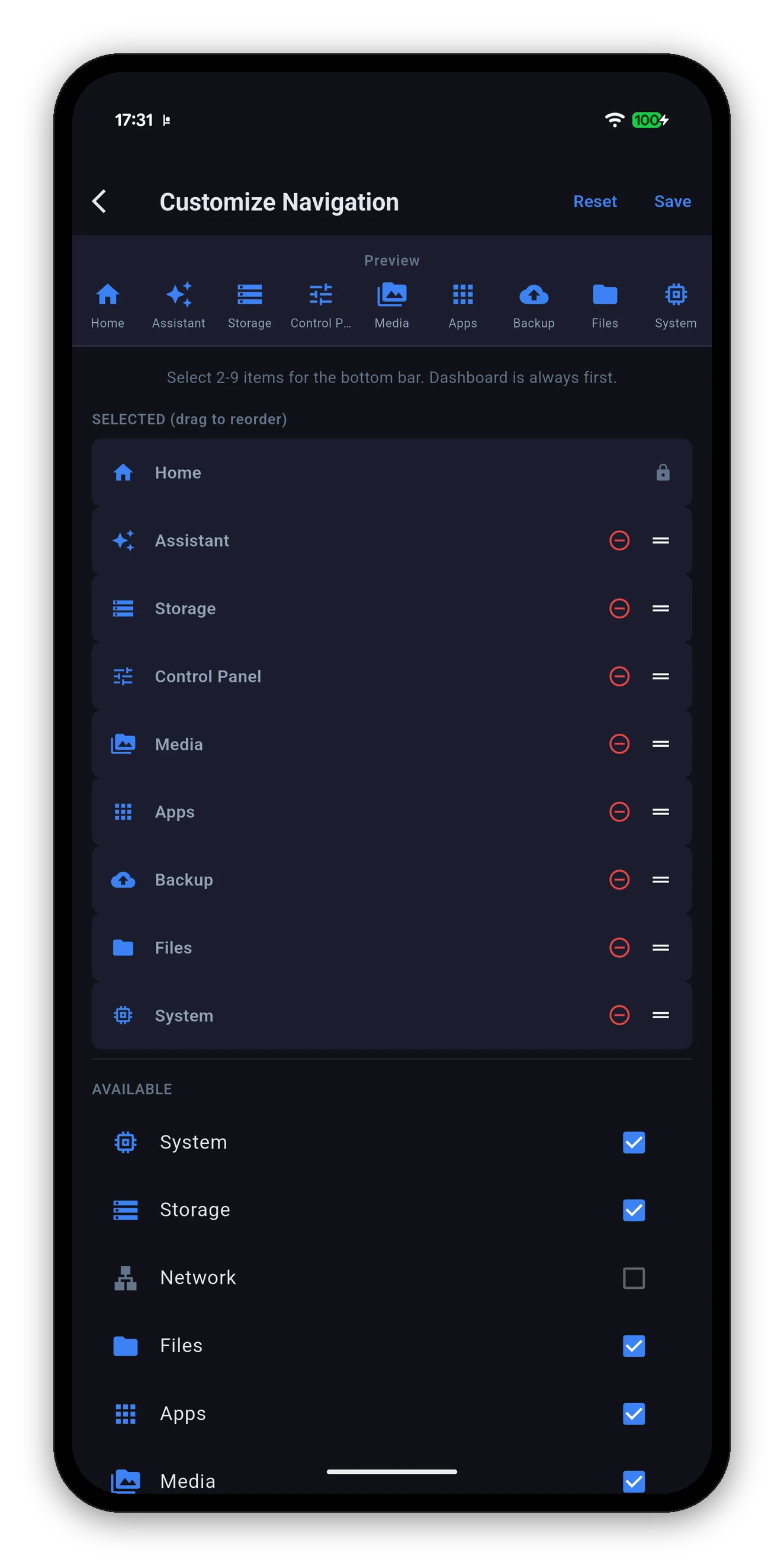
Pick between two and nine items for the bottom bar, with a live preview of the bar itself above the list so you can see the labels fit.
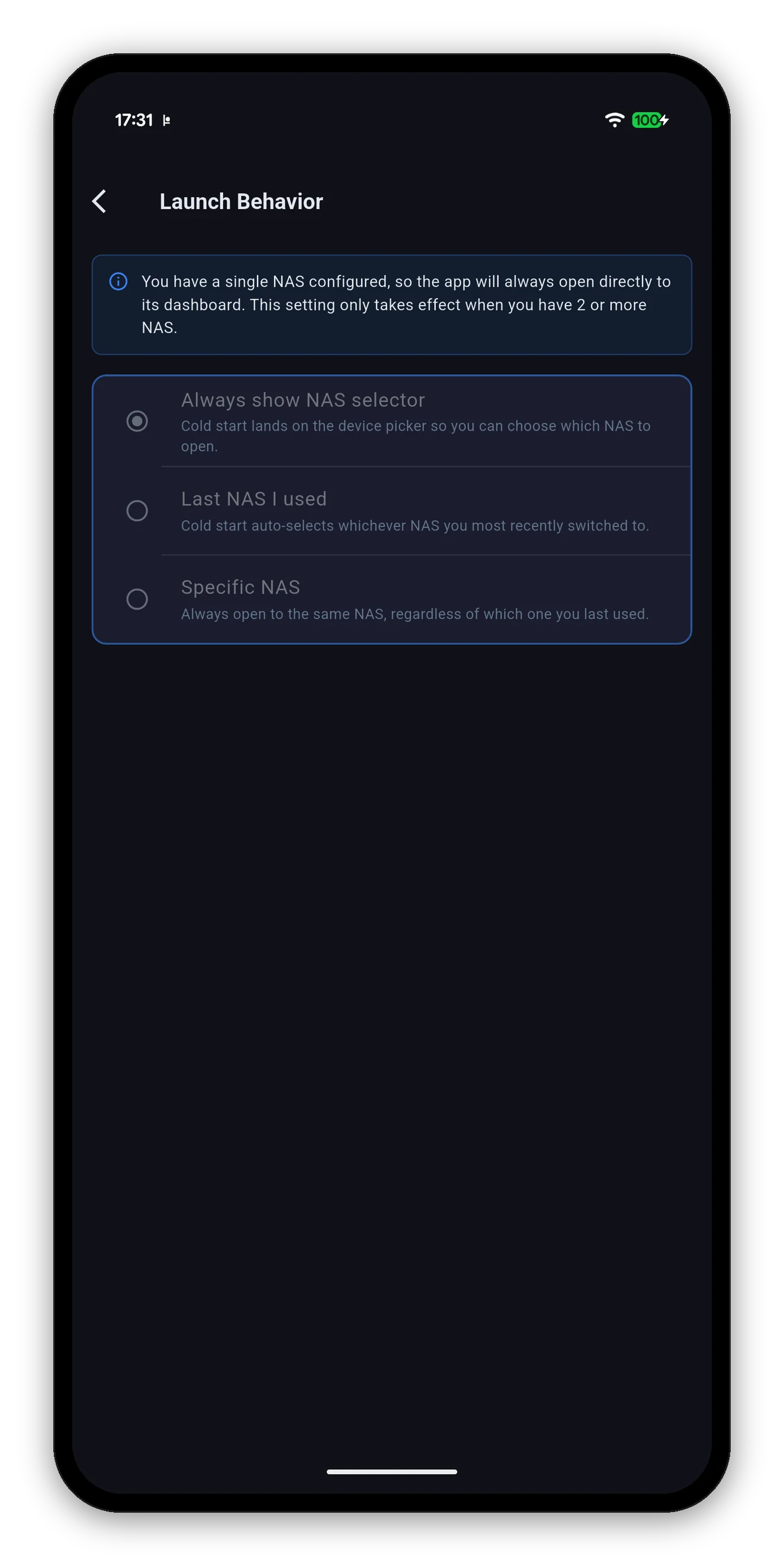
What the app opens on from a cold start, when you have more than one NAS.
| Option | What happens on a cold start |
|---|---|
| Always show NAS selector | Lands on the device picker so you choose which NAS to open. |
| Last NAS I used | Auto-selects whichever NAS you most recently switched to. |
| Specific NAS | Always opens the same one, regardless of which you last used. |
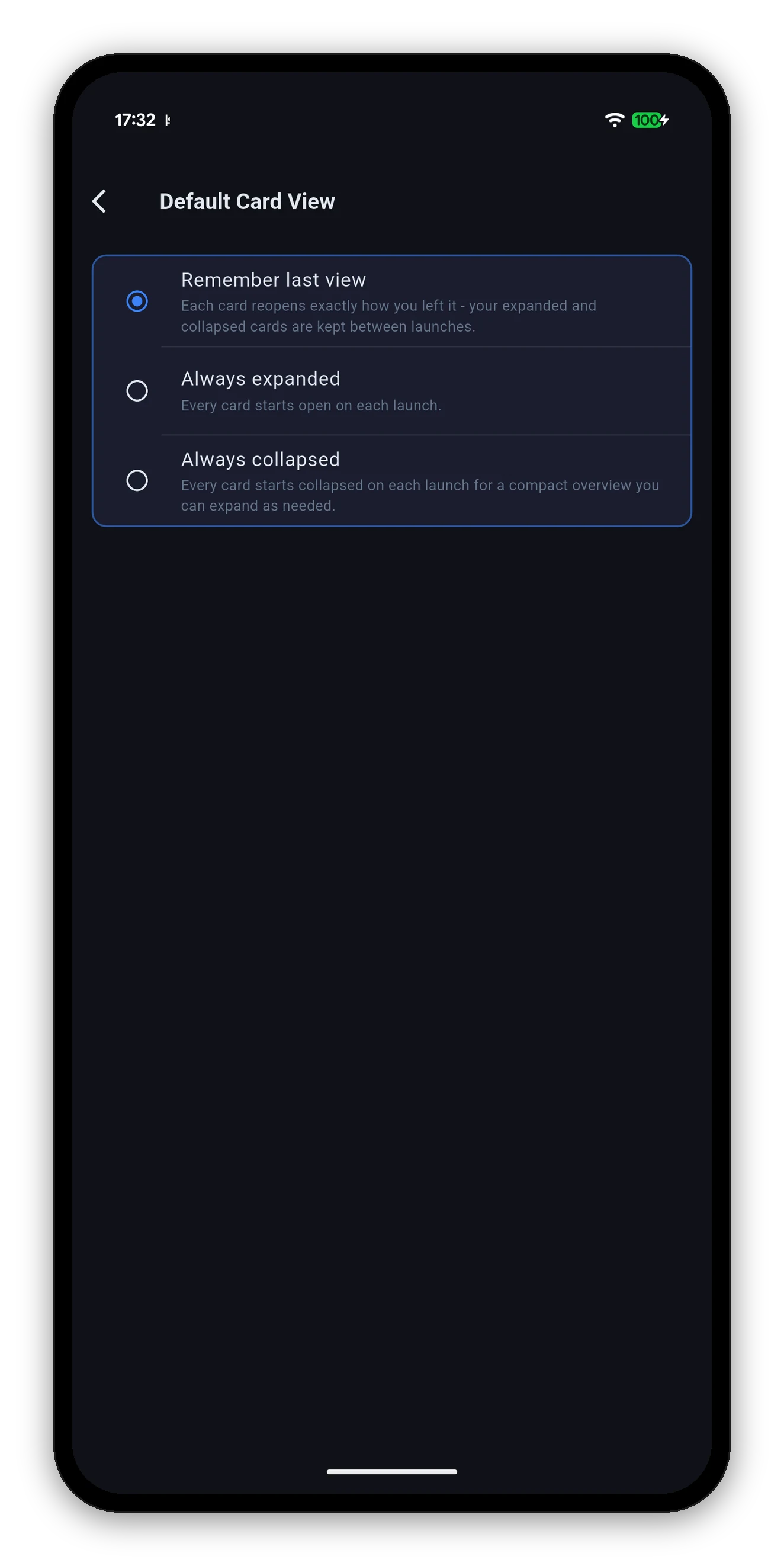
Whether cards remember how you left them.
| Option | Behaviour |
|---|---|
| Remember last view | Each card reopens exactly how you left it - your expanded and collapsed cards are kept between launches. The default. |
| Always expanded | Every card starts open on each launch. |
| Always collapsed | Every card starts collapsed, for a compact overview you expand as needed. |
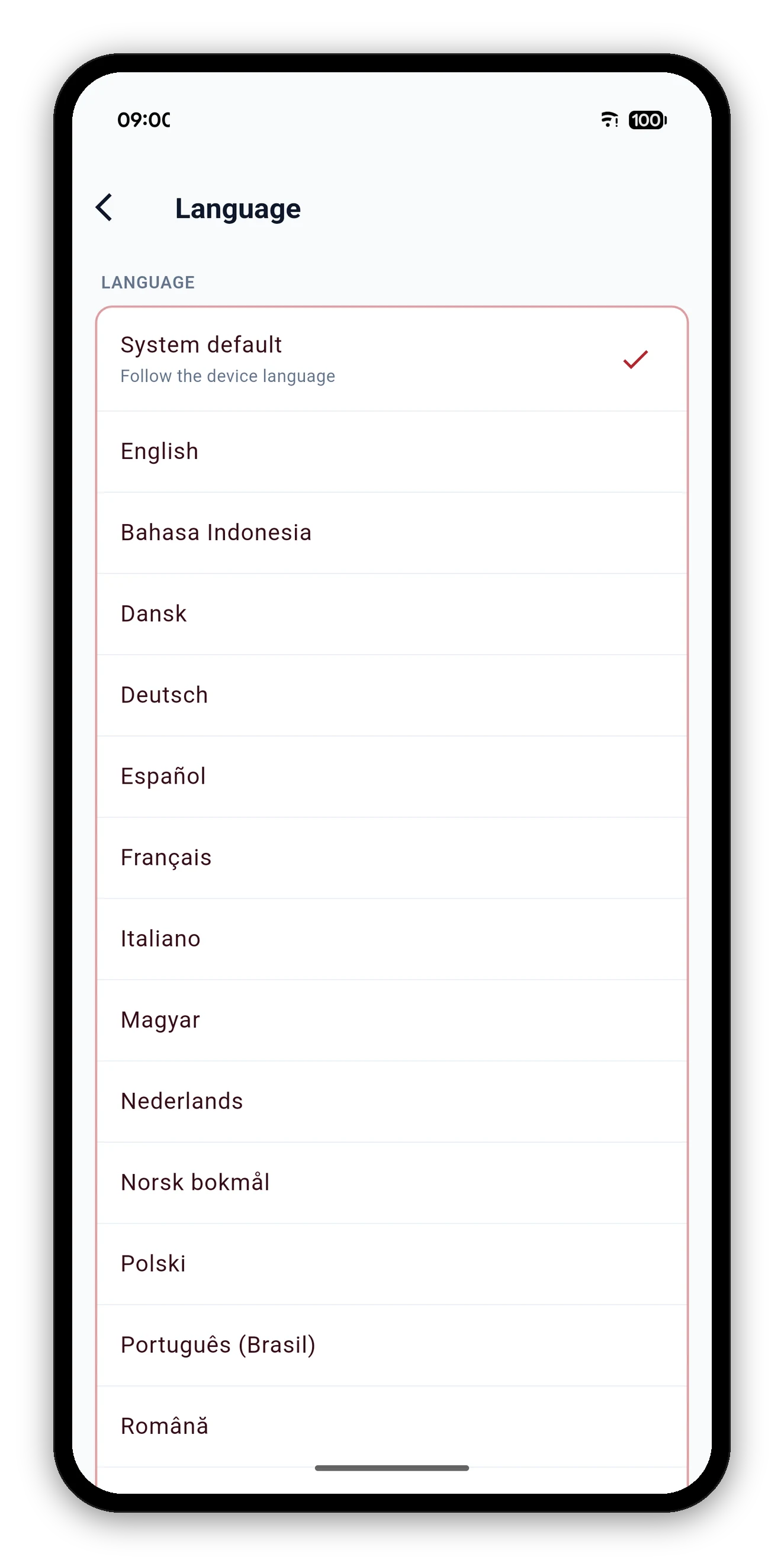
Settings, then Language. System default sits at the top and follows whatever your phone is set to; every shipped language is listed below it by its own native name - Deutsch, not German - with English first and the rest alphabetical.
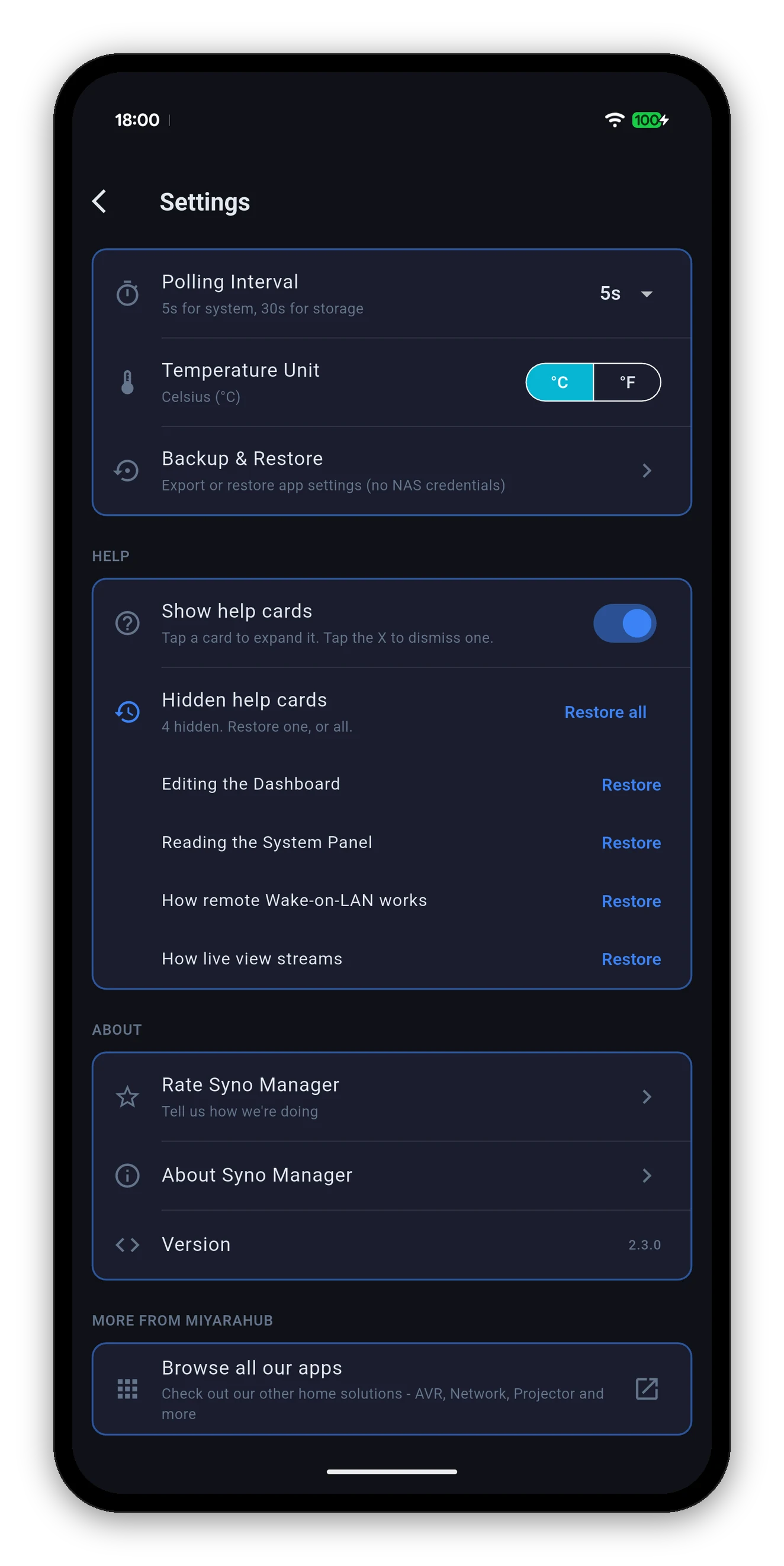
| Setting | What it does |
|---|---|
| Polling Interval | How often live readings refresh. System values use the interval you pick; storage uses a longer one, because volume usage does not change every five seconds and asking costs battery. A shorter interval gives finer charts and uses more power. |
| Temperature Unit | °C or °F. Everything follows immediately - the home screen, the system charts, the drive list and the widgets. |
| Backup & Restore | Export the app's own settings to a file, and restore them on another device. See Backup & restore. |
Several screens carry a short card explaining what that view can and cannot do - how live view streams, how remote Wake-on-LAN works, what the system panel is showing. Useful once, clutter afterwards.
Cards, tabs, sub-views and the order they come in.
 Syno Manager