"Is anything about my storage worth worrying about?" is a question that otherwise means opening four screens. The assistant reads what your NAS reported and answers it - with a model running on your phone, offline, that never sends anything anywhere.
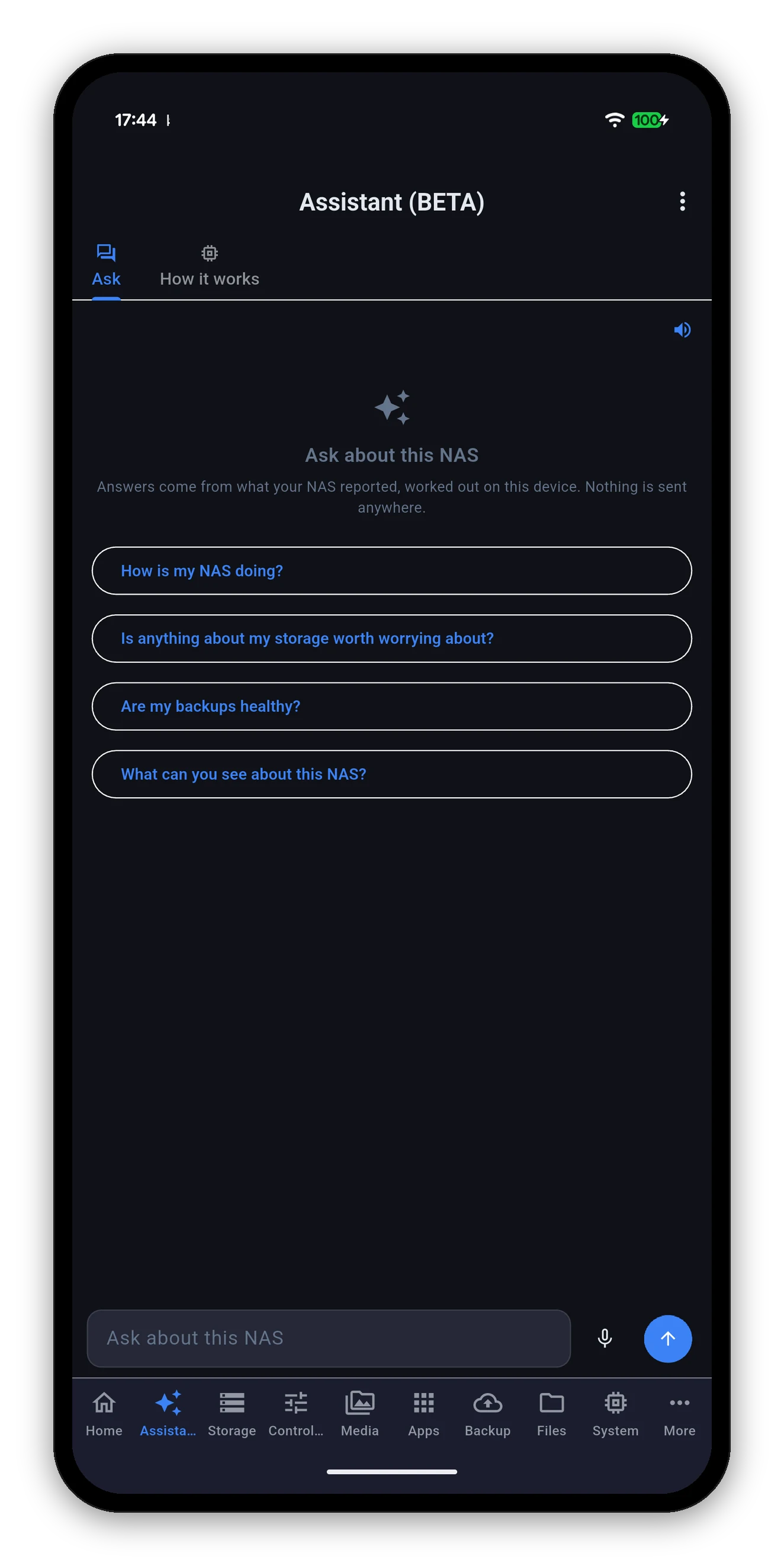
The Assistant tab has two sub-views: Ask, and How it works. Ask opens with four suggestions, which are there to show the shape of a good question rather than to limit you.
This is the part that is easy to miss. The assistant is not a set of canned answers about storage and backups - it is pointed at whatever your NAS actually publishes.
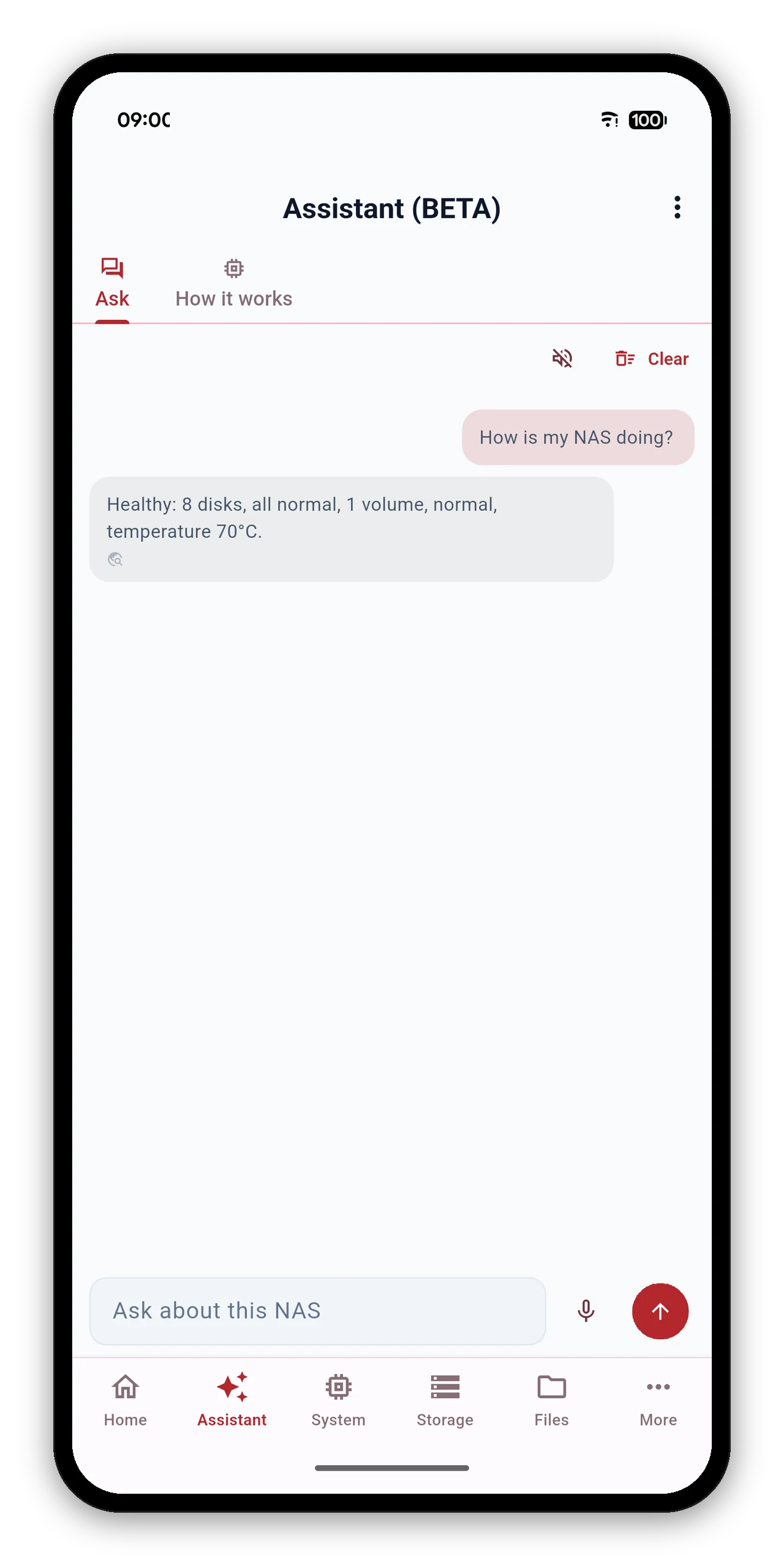
The model belongs to the device. Your question, your NAS's data and the answer are all handled on the phone, and it works with the network switched off.
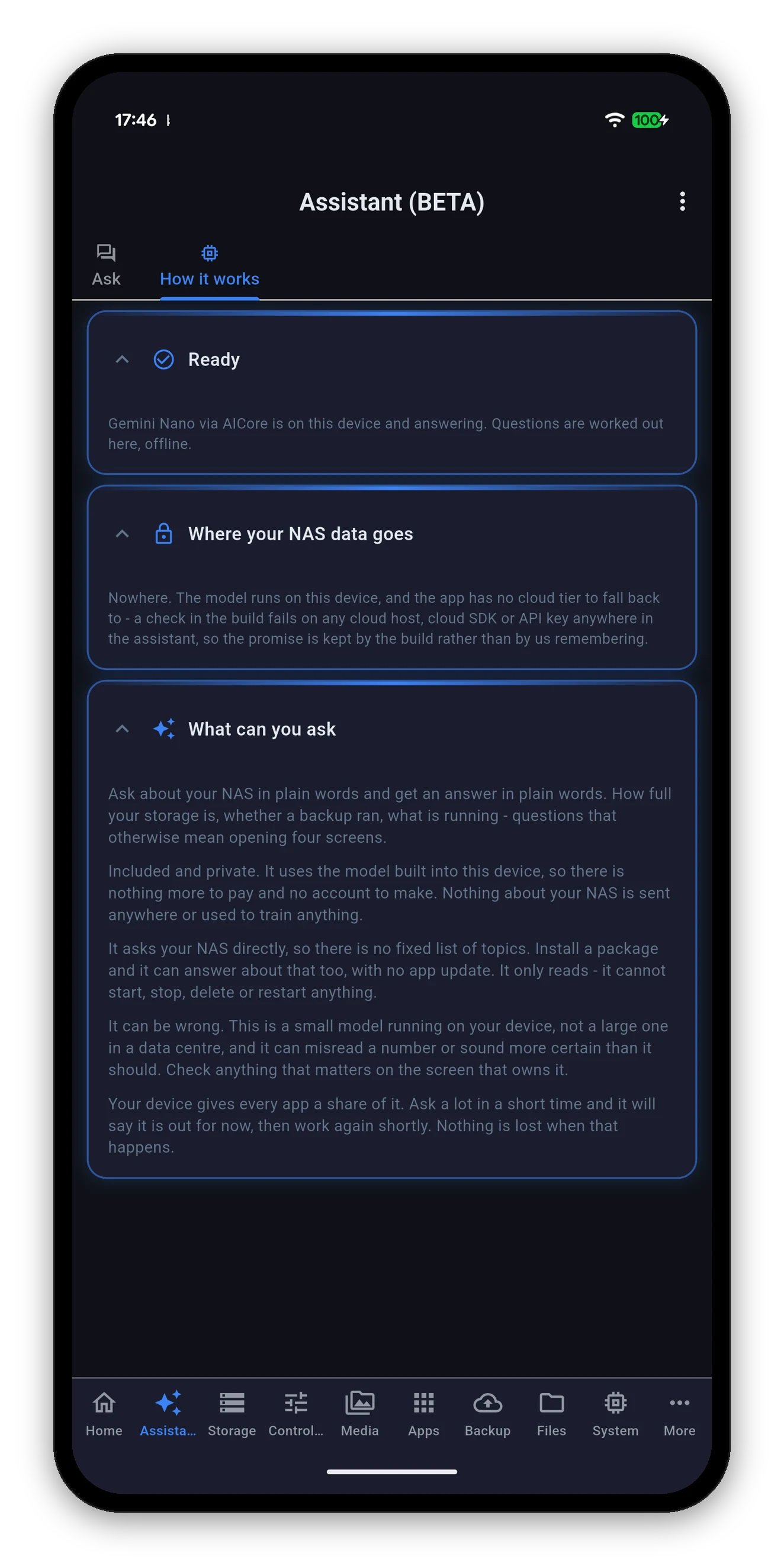
The assistant cannot start, stop, delete or restart anything. Not because it has been asked nicely not to - because it is not given those tools in the first place.
That matters more than it sounds. A model that is instructed not to do something can be talked into doing it. A model that has no way to do it cannot. If you want to restart a container, the Docker screen is three taps away and it will ask you to confirm.
This is a small model running on a phone, not a large one in a data centre. It can misread a number or sound more certain than it should. The app says this on the screen rather than in a footnote.
Not a generic error. One of three named reasons, and roughly how long to wait.
| Reason | What it means |
|---|---|
| Usage limit | This app has used its share of the on-device model for now. The device shares one model between every app that uses it; it answers again once your share renews, typically within a minute or few. |
| Busy | The on-device model is mid-answer for another request right now. Try again in a moment. |
| In the background | The on-device model only answers while Syno Manager is open on screen. Bring the app back to the front and ask again. |
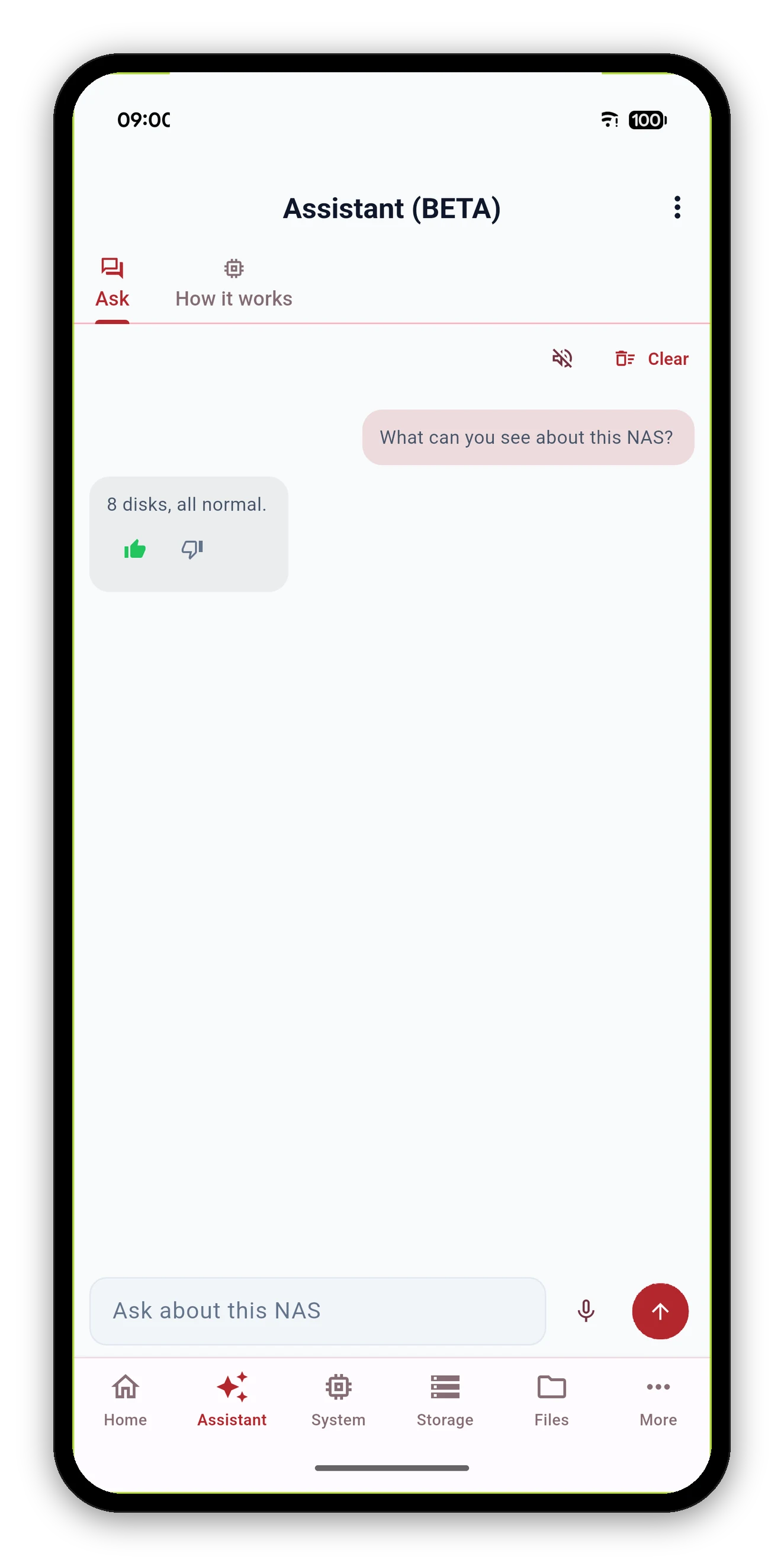
A thumbs up or down sits under every answer. Rate one and similar questions start from where that answer was read - the assistant gets better at reading your NAS the more you use it, without anything leaving the phone.
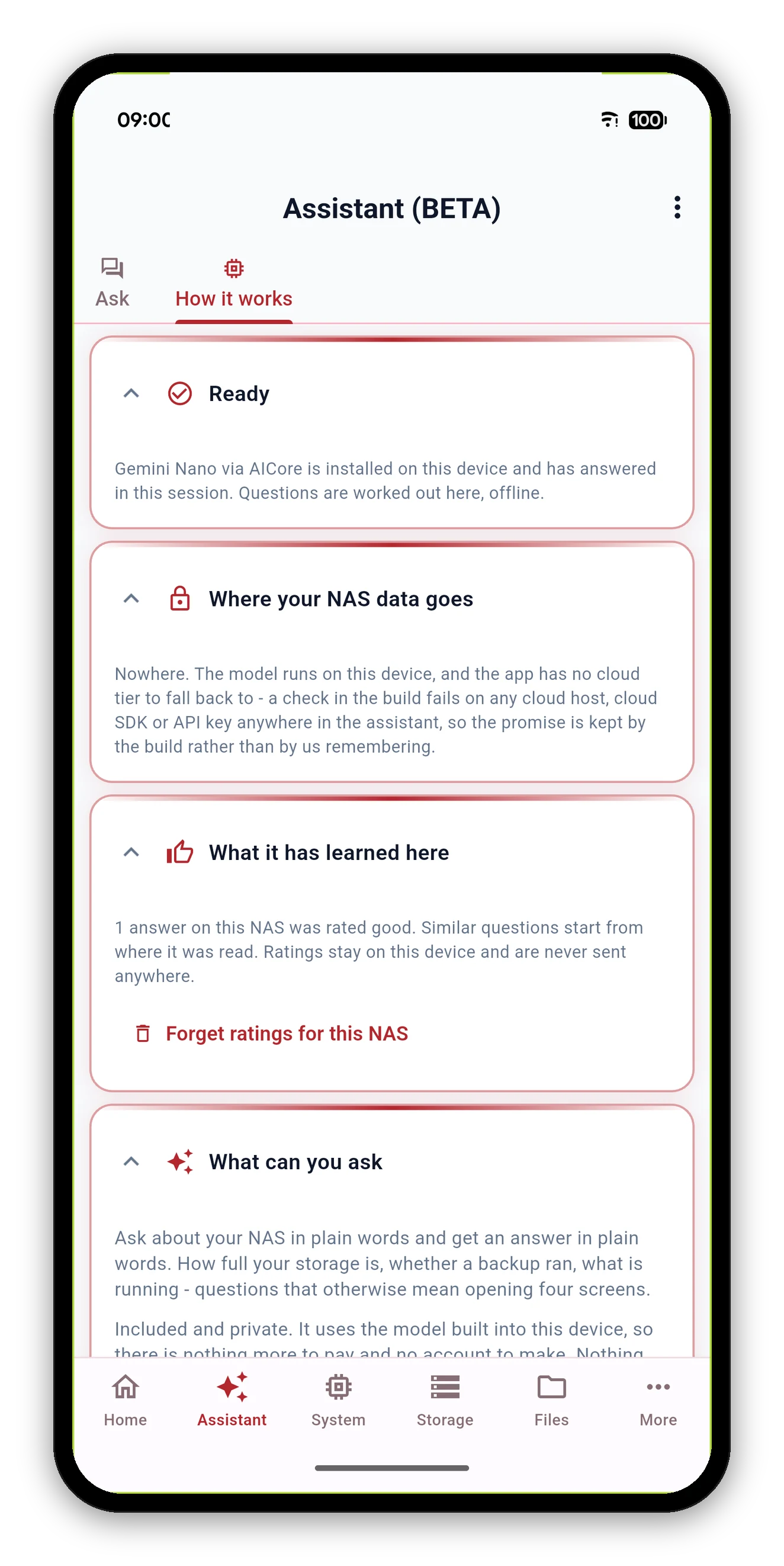
What it has learned here, on the How it works tab, counts how many answers on the current NAS were rated good and reads them back in plain words.
| Platform | Model | Requirement |
|---|---|---|
| Android | Gemini Nano | A device with AICore and a Gemini Nano model available to it. |
| iOS and macOS | Apple Intelligence | A device where Apple Intelligence is supported and enabled. |
| Anything else | - | The tab is not shown at all. |
The How it works sub-view tells you which state your own device is in, and what it found.
Every preference the app has, and what each one changes.
 Syno Manager