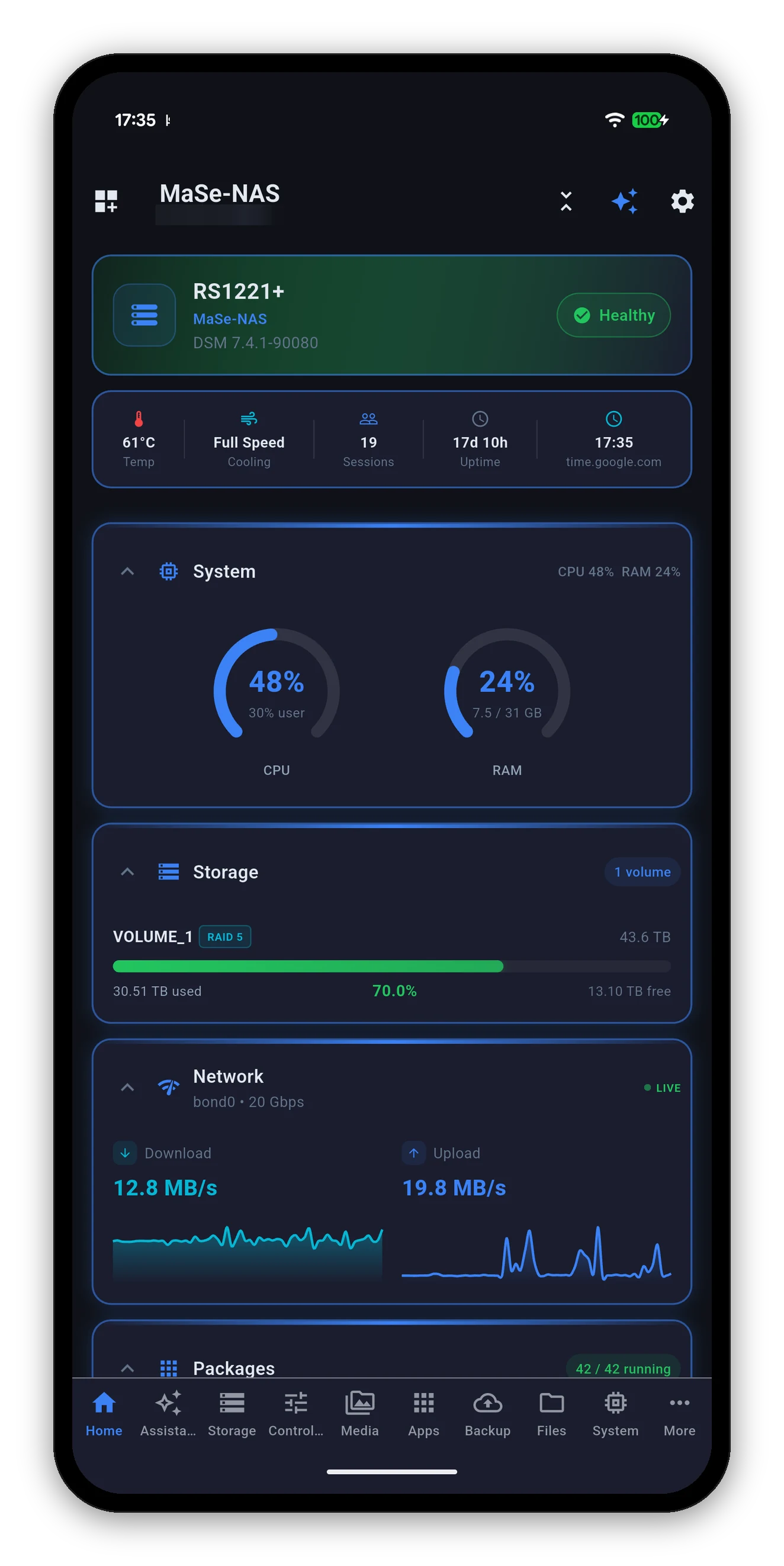
There is no model list to check, because the app does not use one. It asks your NAS what it can do when it connects, and builds itself around the answer.
| Requirement | Detail |
|---|---|
| DSM version | DSM 7.0 or later. This is the only hard requirement. |
| Model | Any. DiskStation, RackStation, FlashStation, with or without expansion units. |
| Bays | Any. One drive or twenty-four; the app lists what DSM reports. |
| Architecture | Any. The app talks to DSM's API, not to the hardware. |
| Your device | Android 7.0, iOS 16.0, macOS 11.0 or Windows - the app ships on all four stores. |
A per-model support table would be wrong the day Synology released a model, and wrong again the day one of them gained a package.
The practical version: if DSM's own web interface works from your phone's browser, and your DSM account can see a thing there, Syno Manager can see it too.
Not a support list - every one of these is covered by the single rule above. They are here because they are what people search for.
DS124, DS223, DS223j, DS224+, DS423, DS423+, DS723+, DS923+, DS1522+, DS1621+, DS1821+, DS1823xs+ and their predecessors on DSM 7.
DS218+, DS220+, DS418, DS420+, DS718+, DS720+, DS918+, DS920+, DS1019+, DS1520+ - all fine, as long as they are on DSM 7.
RS422+, RS822+, RS1221+, RS2421+, RS3621xs+, RS4021xs+ and the rest of the rackmount line.
FS3410, FS6400 and the all-flash line.
DX517, DX1222, RX418, RX1223RP - drives in an expansion appear alongside the internal ones.
The j and play models too. Fewer packages means fewer screens, not a lesser app.
The difference between a two-bay DiskStation and a rackmount is not how well the app works - it is how many services the NAS runs.
| Screen | Appears when |
|---|---|
| System, Storage, Network | Always. Every DSM 7 NAS reports these. |
| Docker, Projects | Container Manager is installed. Not available on every model. |
| Virtual Machines | Virtual Machine Manager is installed - which needs a model that supports it. |
| Cameras | Surveillance Station is installed. |
| Photos, Drive, Office, Notes, Contacts | Each appears when its own package is installed. |
| Download Station | The package is installed. |
| Backup, Active Backup | Hyper Backup and Active Backup for Business respectively. |
| UPS / Power | A UPS is attached and UPS support is on in DSM. |
| External storage | The NAS has USB or eSATA ports. |
A one-time $9.99 purchase.* No ads, no subscriptions, no in-app purchases. Connected in under a minute.




* One-time purchase per platform. Apple is a single universal purchase covering iPhone, iPad and Mac.
 Syno Manager