DS finder is Synology's own app for setting up a NAS and keeping an eye on it. Syno Manager is an independent app built for the day after setup: checking on everything the NAS runs, and acting on it, without switching between apps.
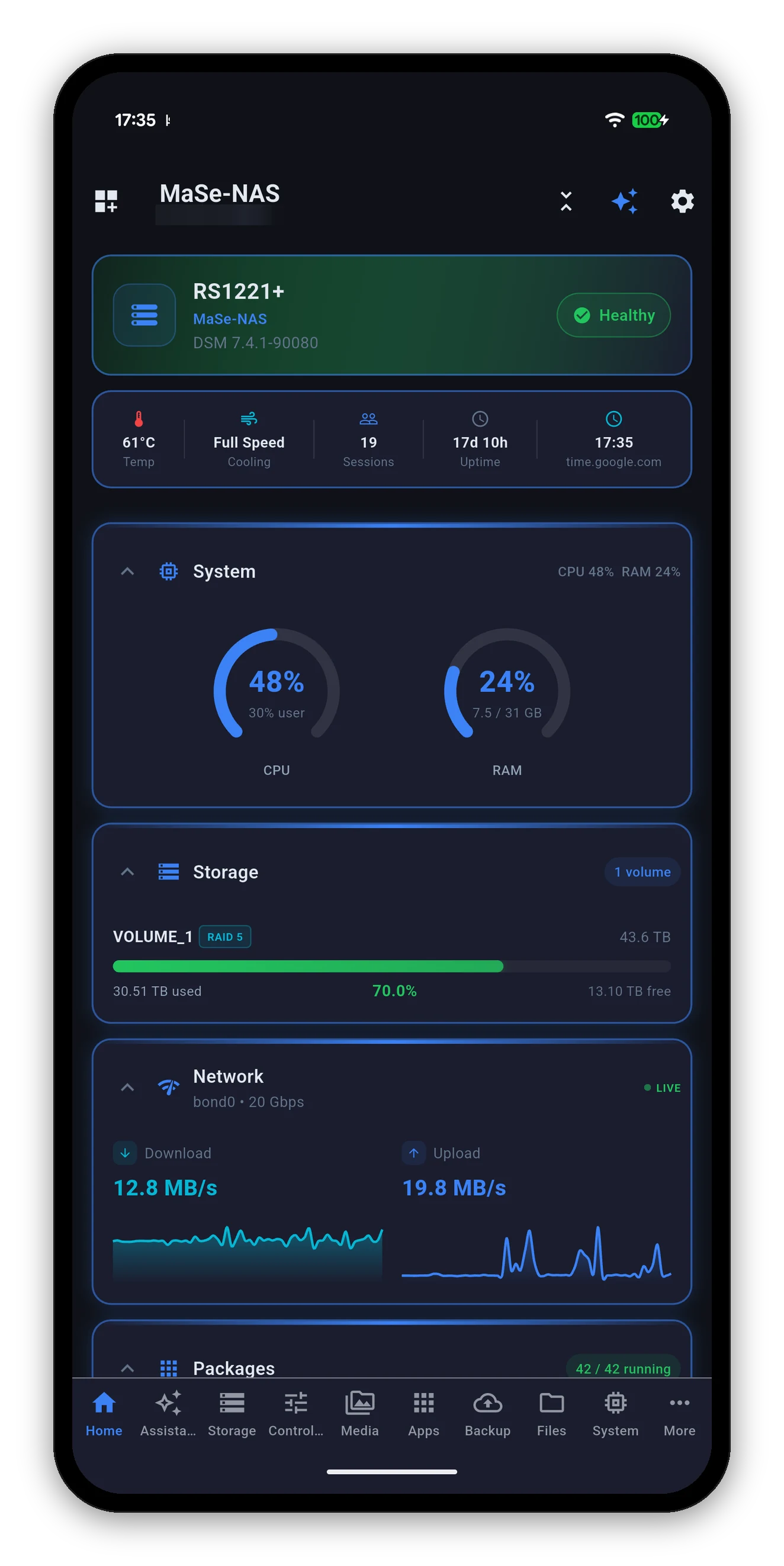
This is not a scorecard. DS finder does things Syno Manager does not, such as setting up a new NAS and receiving notifications from DSM's own Push Service. The table shows where each one fits.
| You want to | Where it fits |
|---|---|
| Set up a brand-new NAS | DS finder or DSM |
| Receive DSM Push Service notifications | DS finder |
| See storage, drive health and users | Both |
| Restart, shut down or wake the NAS | Both |
| Restart a Docker container and read its log | Syno Manager |
| Install or update a package | Syno Manager |
| Watch a Surveillance Station camera live | Syno Manager |
| Browse Synology Photos and Drive | Syno Manager |
| See how much space a Hyper Backup task takes | Syno Manager |
| Add a download to Download Station | Syno Manager |
| Wake another PC on your network through the NAS | Syno Manager |
| Toggle DSM services, see VPN profiles and DDNS | Syno Manager |
DS finder features as described in Synology's Knowledge Center. Synology may change its apps at any time; check Synology's documentation for the current list.
Which drive, which volume, what temperature, not just "Warning".
Containers, packages, backups, services, tasks, downloads and fan mode, from the phone.
Photos, camera live view and file downloads over QuickConnect. No port forwarding.
Twelve home screen widgets, synomanager:// links, and Siri and Shortcuts on the Mac.
Ask about your NAS in plain words. The model runs on your device and only ever reads.
Android, iPhone, iPad, Mac and Windows. $6.99 once per platform, no subscriptions.
A one-time $6.99 purchase. No ads, no subscriptions, no in-app purchases. Needs a Synology NAS on DSM 7.0 or later.




Syno Manager is an independent app and is not affiliated with, endorsed by, or sponsored by Synology Inc. DS finder is a product of Synology Inc.
 Syno Manager