Four sub-views: Users, Tasks, Power for the UPS, and Settings - the app's own preferences, reachable without leaving the tab you are in.
Every account on the NAS, with its display name, its description and its email address where one is set. An Expired chip marks accounts DSM has disabled.
admin, guest and the service accounts DSM creates for its own packages are detected and protected. Removing one of those breaks the NAS in ways that are tedious to undo, and a phone is not the place to find that out.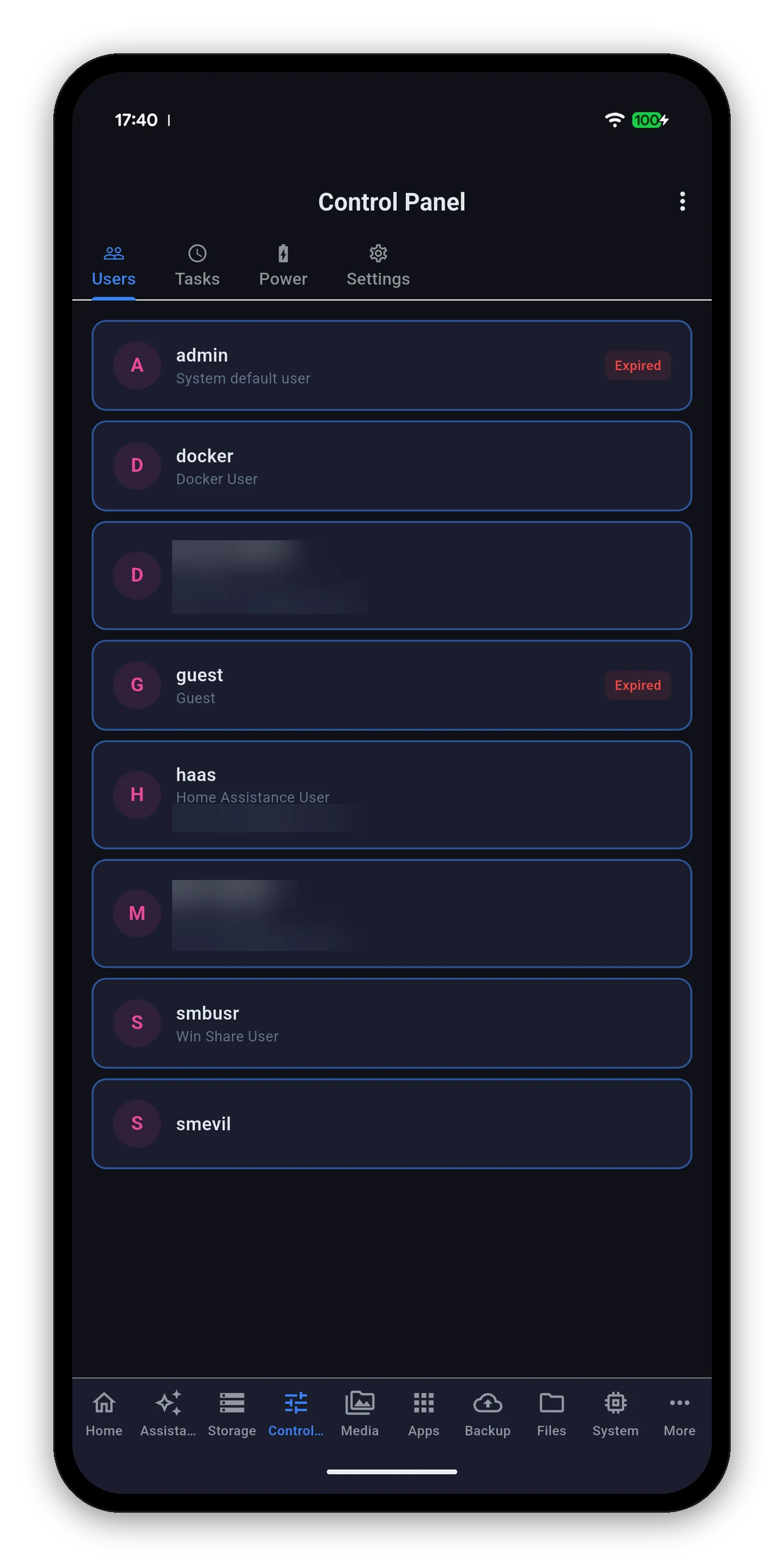
Two accounts in this screenshot are blurred - they are real people's names and addresses.
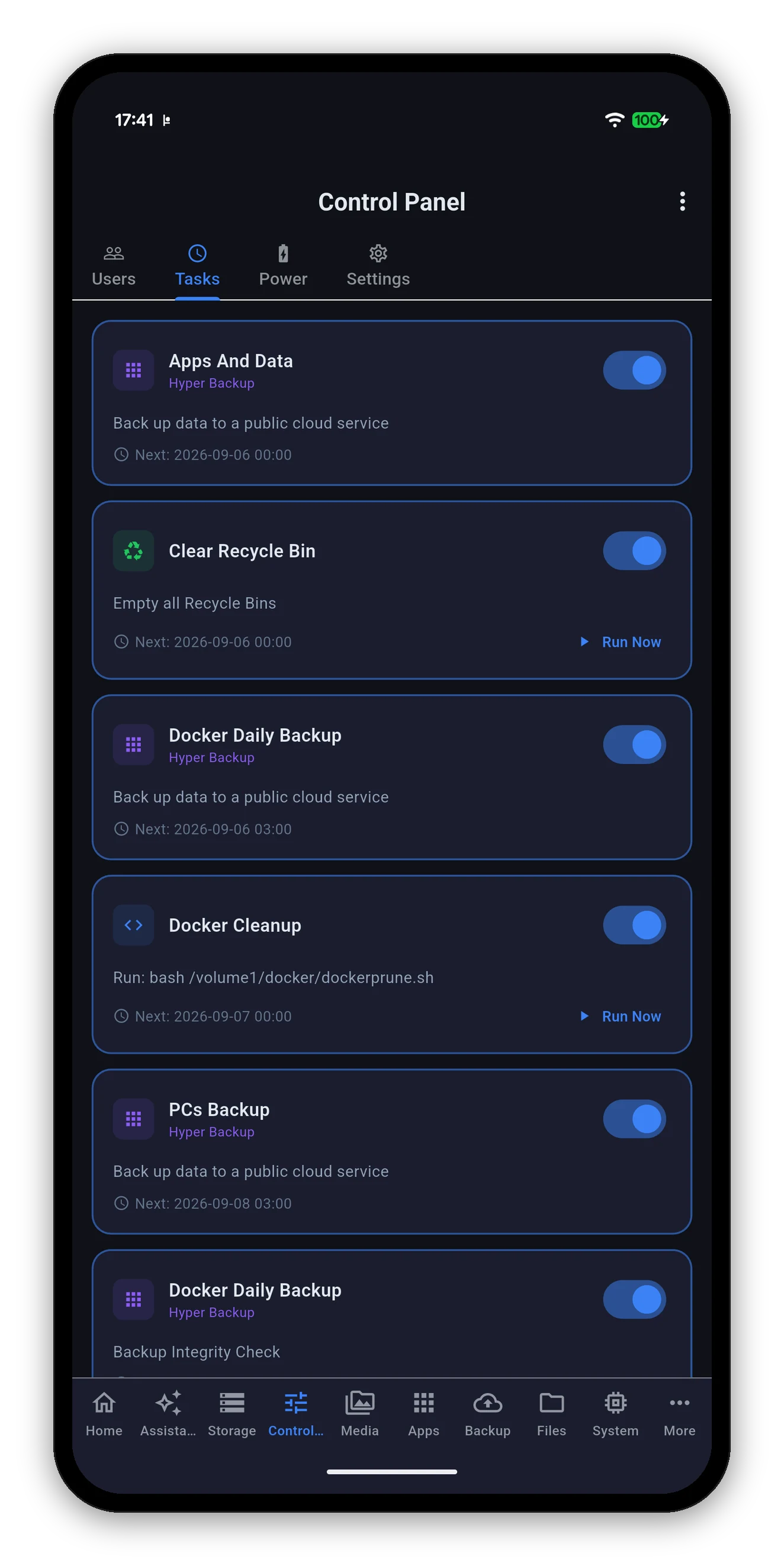
Every task DSM has, whether it is enabled, what it does and when it next fires.
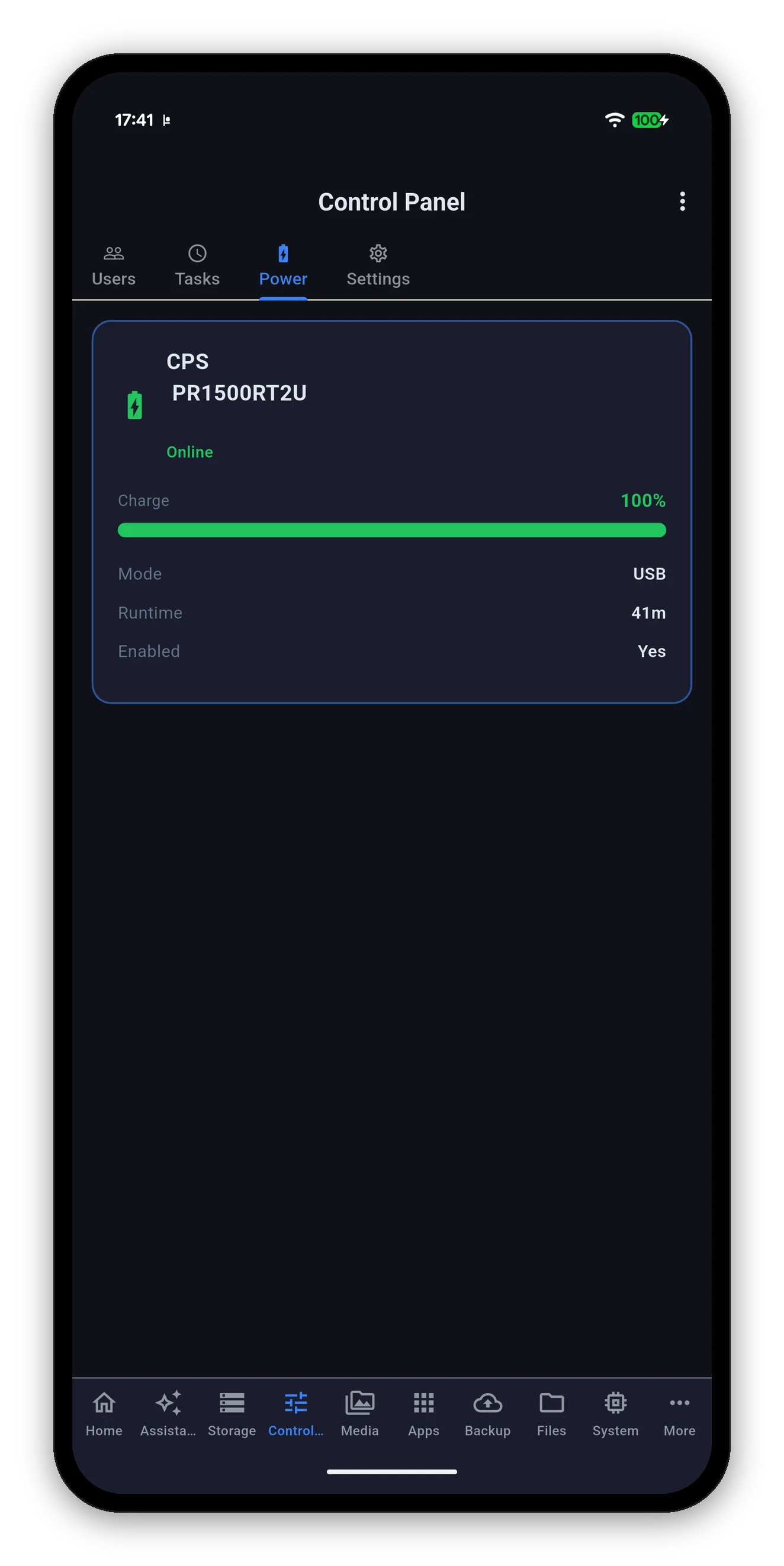
Present when a UPS is attached. One card, everything on it.
| Shown | Meaning |
|---|---|
| Manufacturer and model | As the UPS reports itself. |
| Status | Online on mains, or on battery. |
| Charge | Percentage and a bar. Amber below 50%, red below 20%. |
| Mode | How the NAS is talking to it - USB, or over the network. |
| Runtime | How long the UPS estimates it can hold the load. |
| Enabled | Whether UPS support is switched on in DSM at all. |
The fourth sub-view is Settings, embedded here so you can change the polling interval or the accent colour without leaving the tab. It is the same screen the gear icon opens.
Ask your NAS a question, answered by a model on your phone.
 Syno Manager