File Station and Shared Folders, copy and move on the NAS itself, plus the three DSM apps that are really about content: Note Station, Synology Office and Contacts. If Download Station is installed it lives here too - it has its own page.
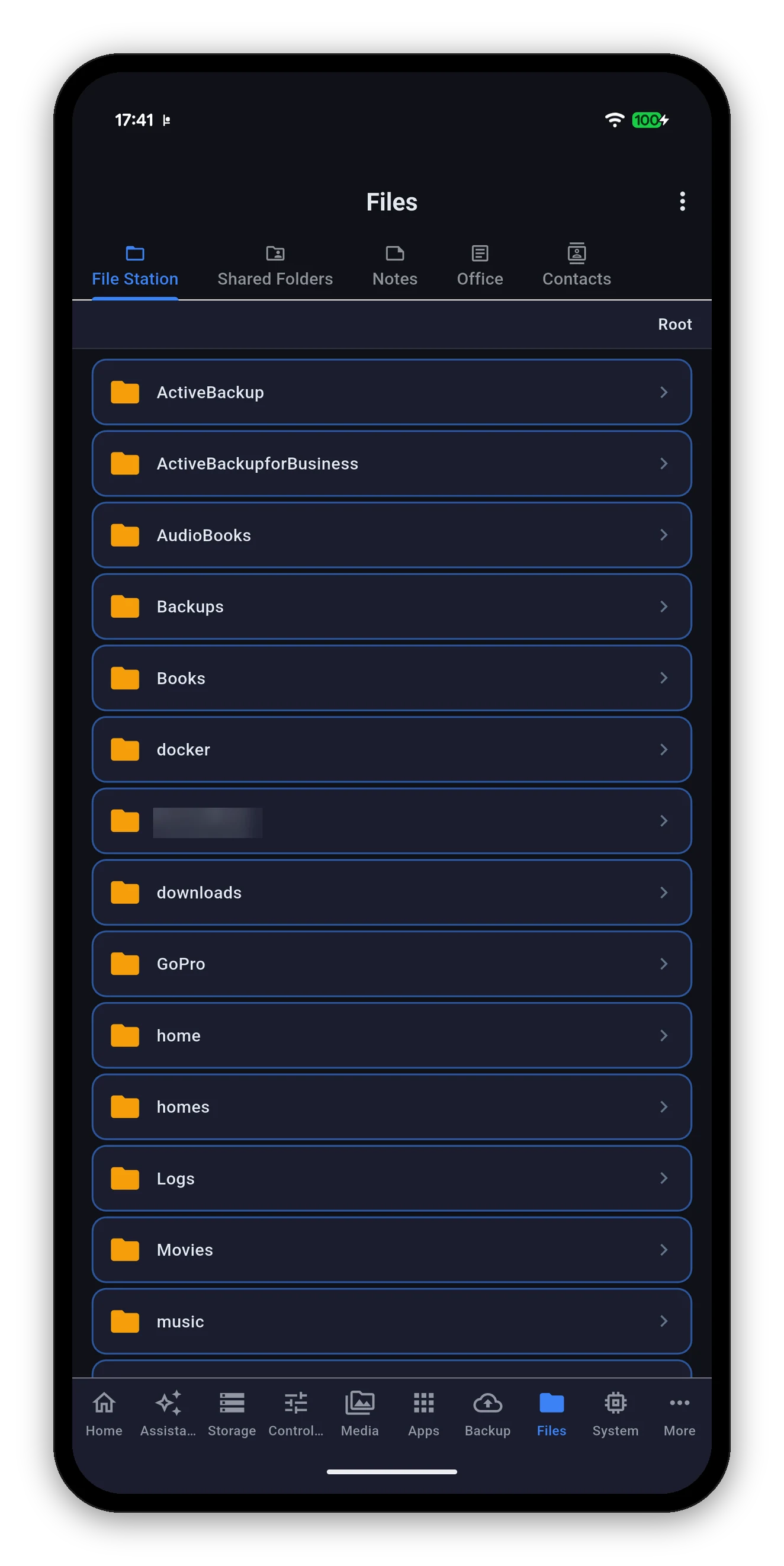
Starts at Root - every shared folder your account can see - and walks down from there. The breadcrumb at the top shows where you are and takes you back up.
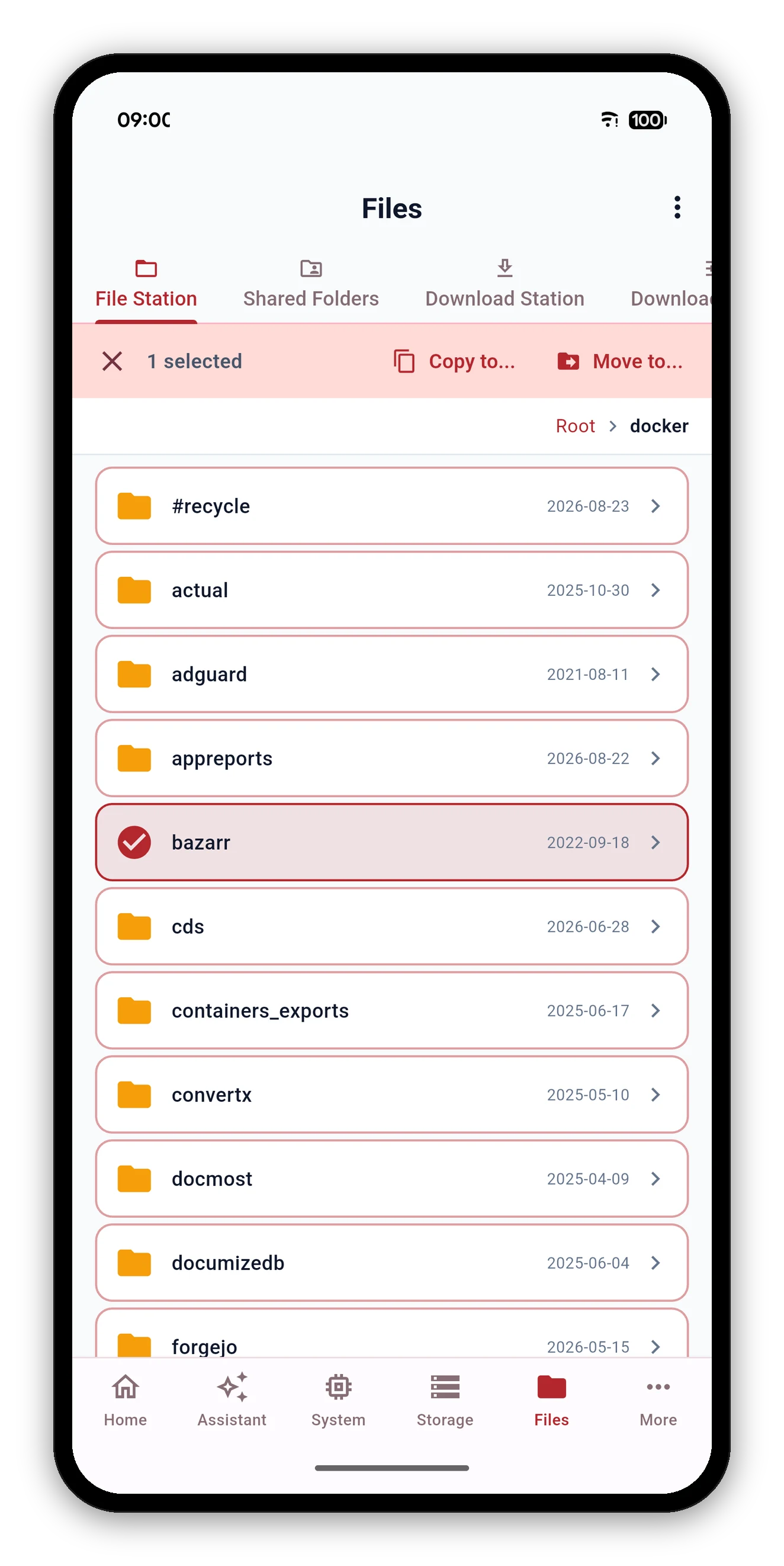
Pick files or folders, choose Copy to or Move to, and the NAS carries out the transfer - not your phone. Even hundreds of gigabytes never pass through the device in your hand.
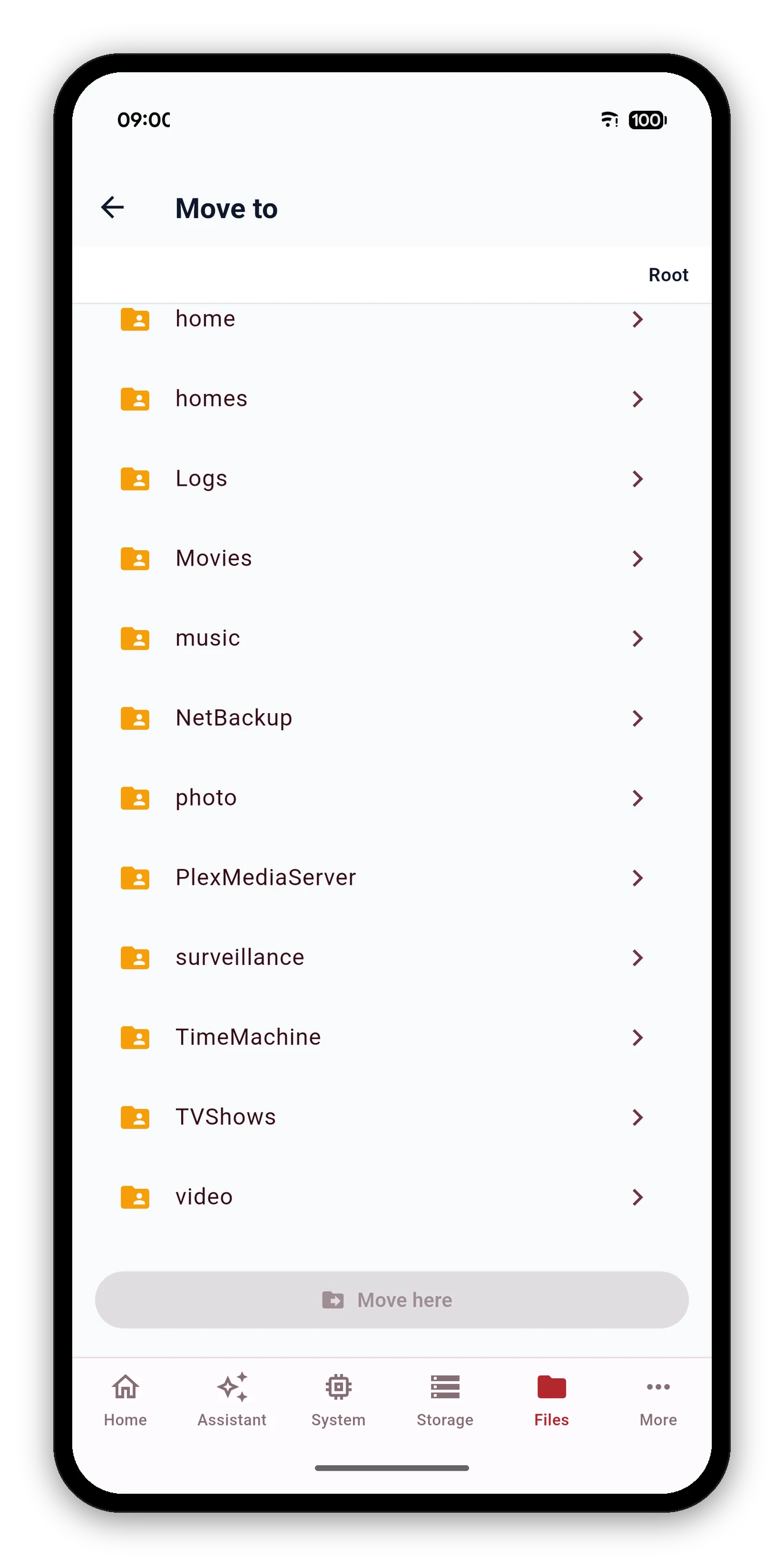
The destination picker is File Station again, scoped to choosing a folder rather than opening a file.
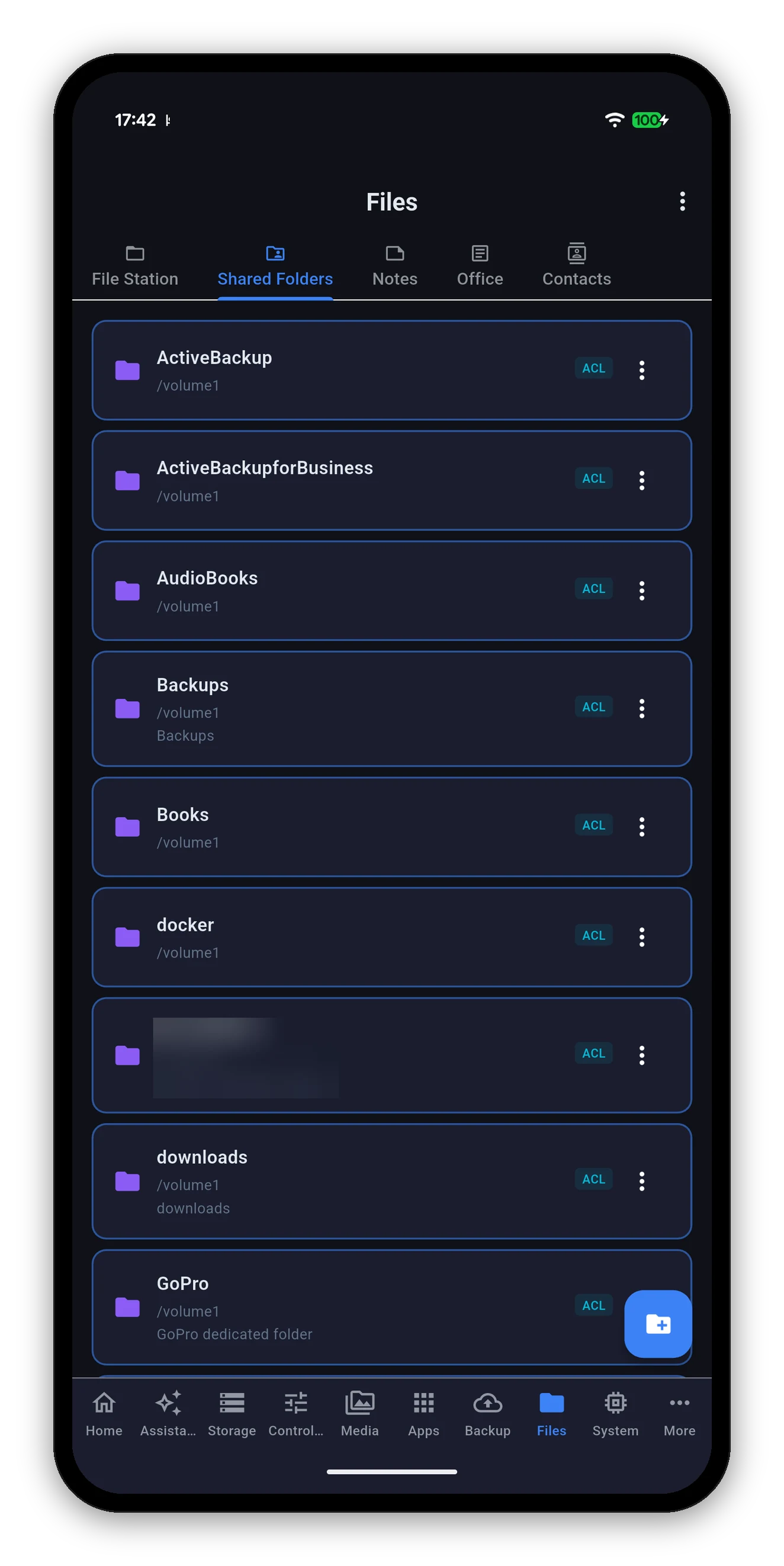
Not the files - the shares. Each entry shows its name, the volume it sits on, its description and an ACL chip when it carries access-control permissions.
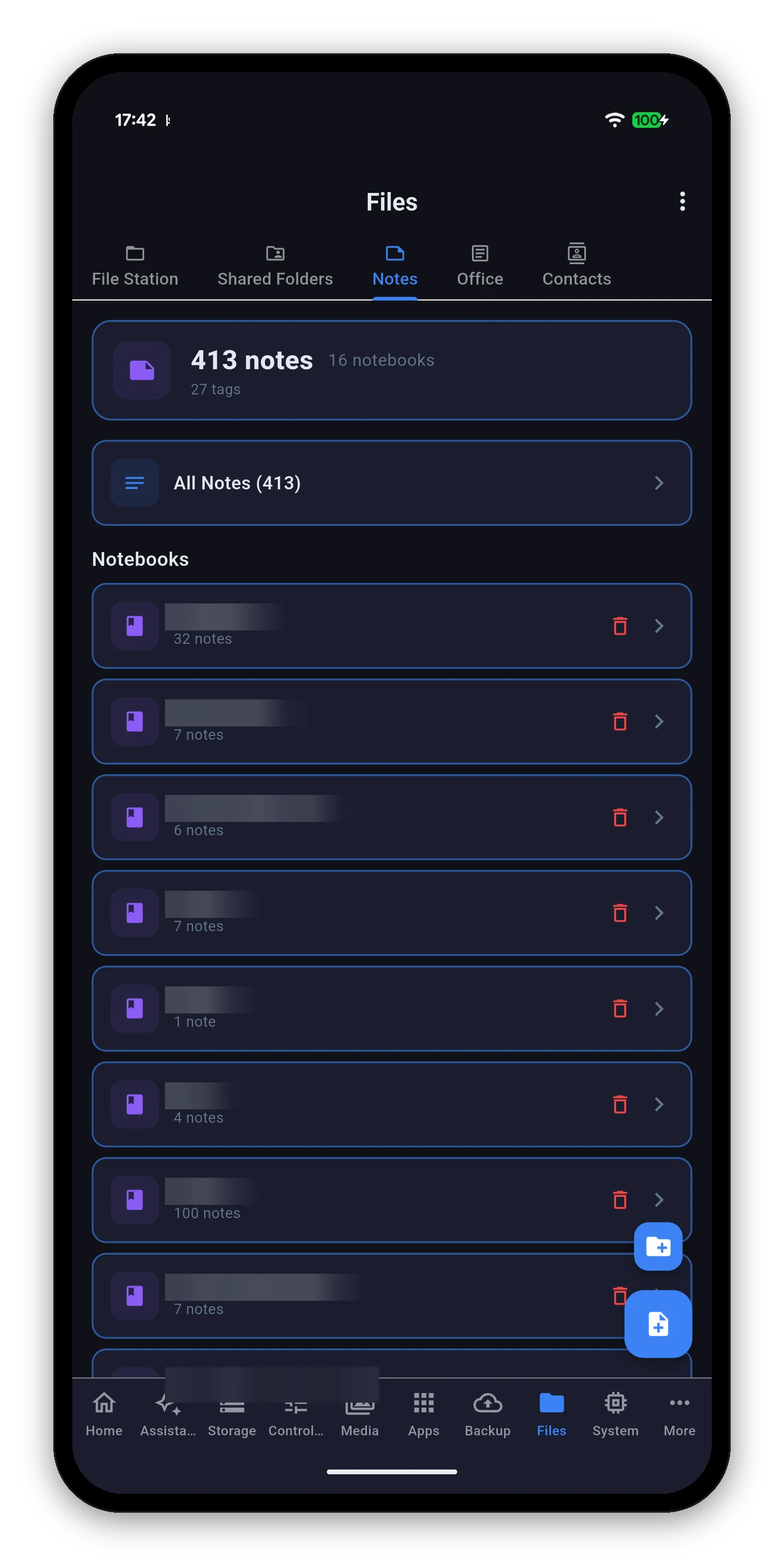
A summary at the top - total notes, notebooks and tags - then All Notes and each notebook with its own count.
Three notebook titles in this screenshot are blurred - they are a real NAS's.
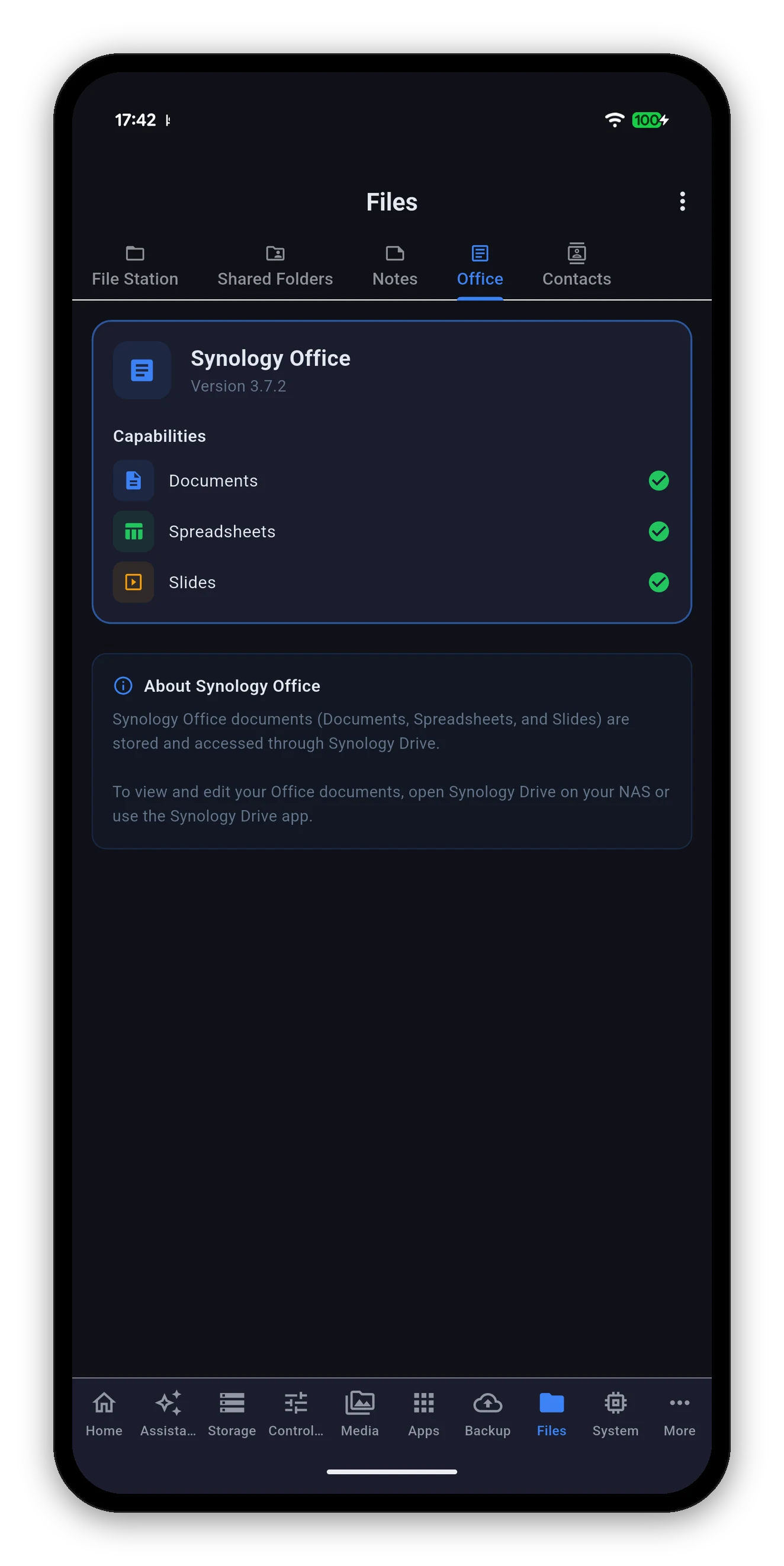
A status screen rather than an editor: the version of Synology Office your NAS runs, and which document types it supports - Documents, Spreadsheets and Slides - each with a tick.
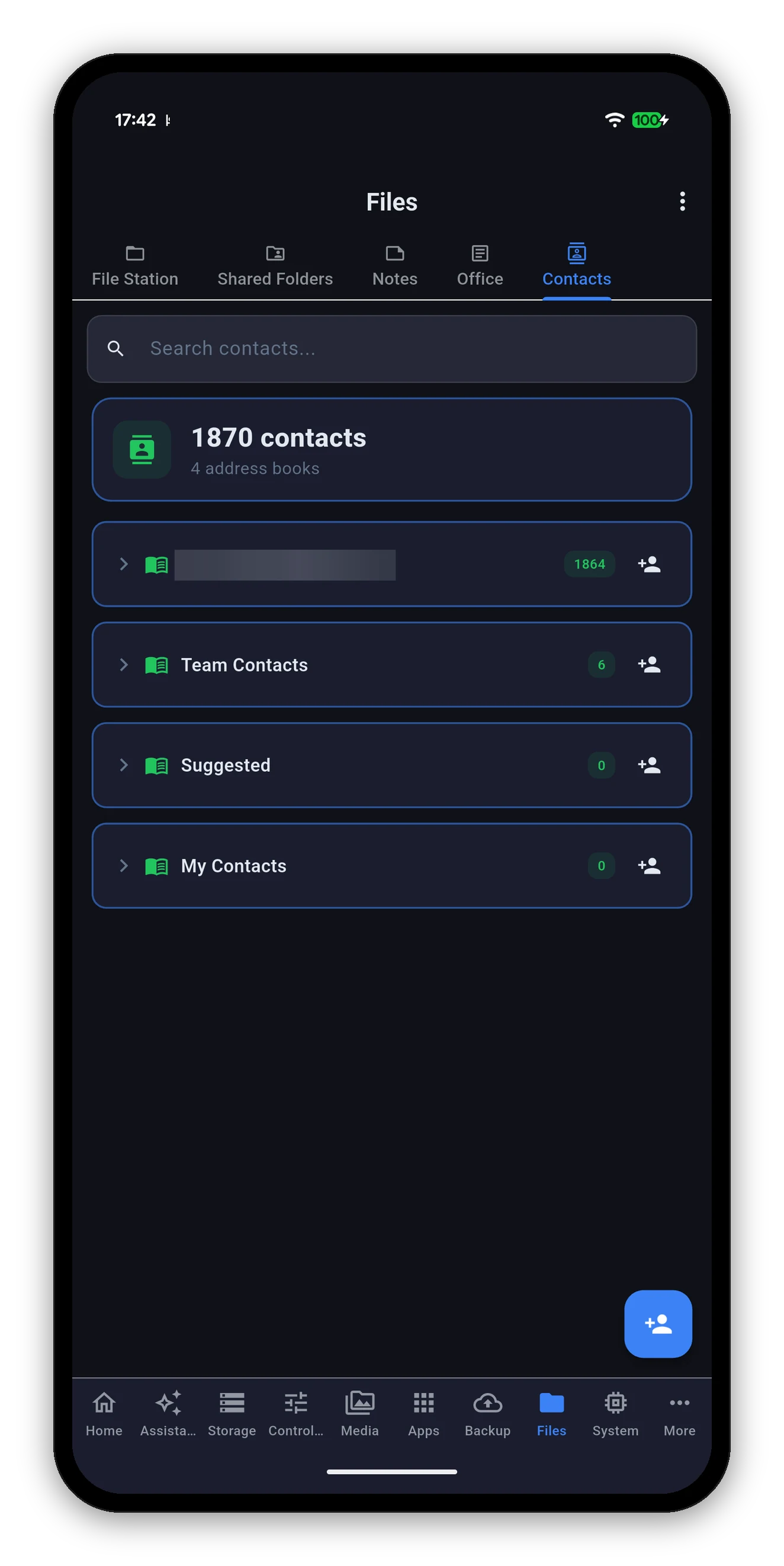
A total across every address book, then each book with its own count - including books imported from Google, which appear alongside the ones created on the NAS.
One address book name is blurred - it is a real address.
Add by link, magnet or .torrent, and change the settings your NAS reported.
 Syno Manager